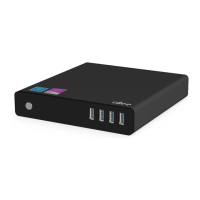
User Guide for Ollee Mini PC MAPMG
5
Changing a 2.5” SSD or Hard Drive
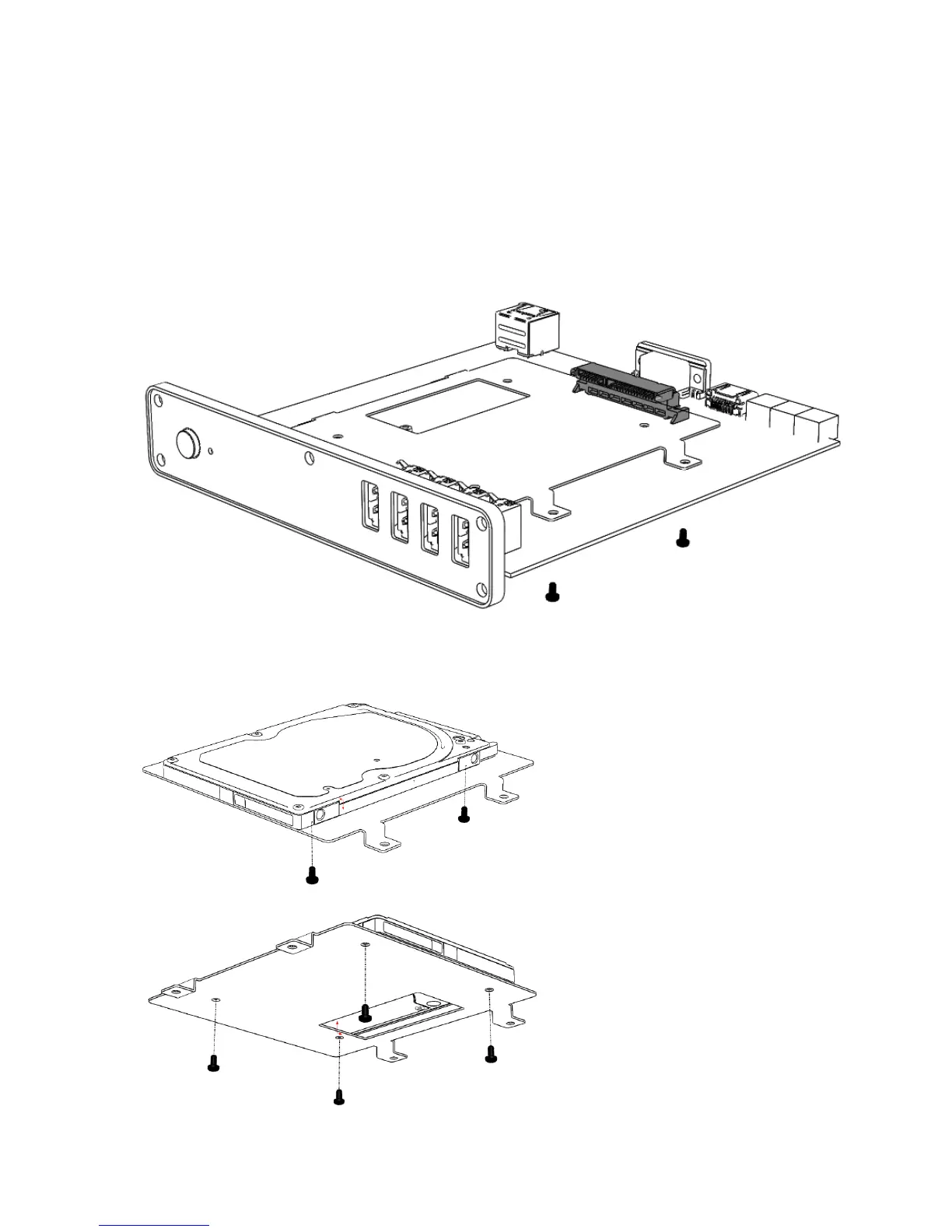
The Ollee Mini PC MAPMG supports an additional 2.5” Solid State Drive (SSD) or Hard Disk Drive (HDD).
To add a 2.5” SSD or HDD:
1. Unscrew the 4 screws attaching the drive bay to the PCB.
2. Screw the 2.5” drive into the drive bay.



 To Next Page