Page 6 from 10
940813000_09_012
ESC
Burner activation indicator = Active (On)
Absence program = Presence
Manual selection time= 3 hours
Upper manual temperature limit = 30.0°C
Lower manual temperature limit= 6.0°C
Boiler operation time= 00 minutes
(BS-813 only)
Boiler state= Inactive (BS-813)
Differential = 0.5° C
Absence temperature= 16.0° C
Night temperature program = 18.0° C
Heating-Cooling function = Heating
Keyboard state= Unlocked
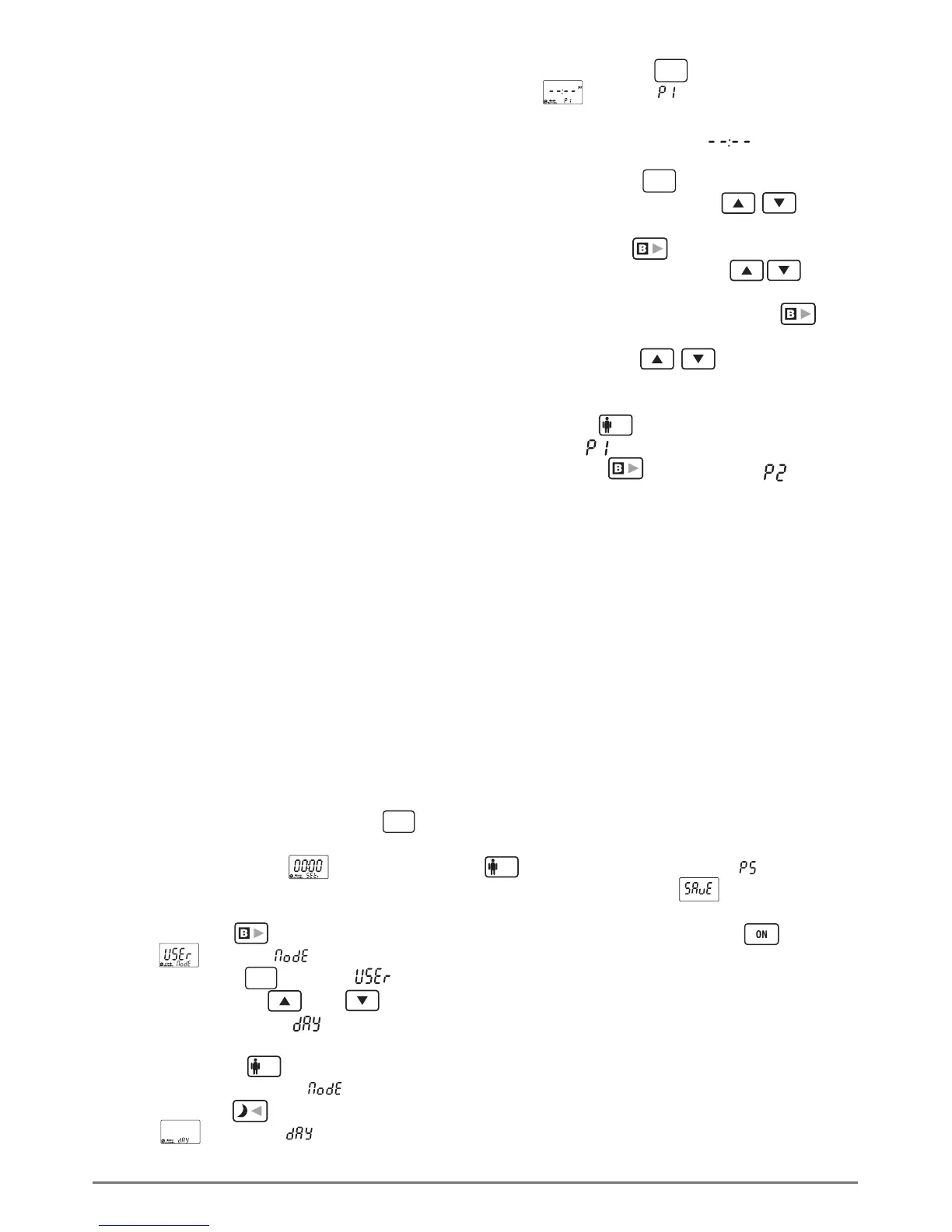
DAILY PROGRAMMING EXAMPLE
Lets assume that we want to program the
following temperatures and hours
(programs): From 07.00 to 08.30 at 22,5°C.
From 8.30 to 12.00 at 21,5°C. From 12.00
to 17.30 at 18.5°C. From 17.30 to 23.00 at
22.5°C and from 23.00 to 07.00 at 19,8°C.
Note that the end hour of each program is
the start hour of the next program and
always the start hour of a program is at least
1 minute greater than the end hour of the
previous program. It is essential to select at
least 1 program per day otherwise the
thermostat will operate with the factory
defined temperature of 23°C. Also note that
the first program is considered the program
with the start hour nearest to the hour 00.00
(e.i. 07.00).
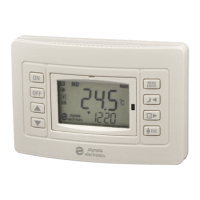
1. Turn OFF the thermostat by pressing the
corresponding key.
2. Press continuously the key for 3
seconds . The screen back light is activated
and the screen shows . Now we are in
programming mode of the thermostat
parameters.
3. Press the key 9 times and the screen
shows with the (Mode) blinking.
4. Press the key and the starts to
blink. With the keys and we select
the operation mode (Day - daily
program).
5. Press the key and we return to the
previous screen with the blinking.
6. Press the key 8 times and the screen
shows with the blinking. Now we
are in the daily programming sub menu that
has a 10 program capability.
7. Press the key and the screen
shows with the blinking, this shows
that we are in program 1 of the daily
program. (the indication indicates
that the current program in empty).
8. Press the key and the hours digit
starts to blink. With the keys select
07.
9. Press the key and the minutes digit
starts to blink. With the keys select
00.
10. With the next press of the key
the screen shows the temperature blinking
and by using the keys we select
22,5°C. This concludes the programming of
the first program.
11. Press the key and the screen shows
the symbol blinking.
12. Press the key and the symbol
will blink. This shows that we are in the
second program.
13. Follow the step 8, 9 and 10 and set the
time t o 8.30 (which is the end time of the
first program) and the temperature to
21,5°C.
14. Following the steps 8, 9, 10 and 11 to
adjust the remaining programs with the
values 12.00/18,5°C, 17.30/22,5°C and
23.00/ 19.8°C. If by mistake we add a new
program (ex. Ρ6), this program can’t be
canceled but can be defined as a new
program with a start time of 23.01 and the
same temperature as Ρ5.
15. Completing the daily program we can
store the programmed values to the
devices memory by pressing 2 times the
key while the indication is blinking.
The screen will show for awhile and
then normal operation will continue. By
activating the device with the key the
daily program will start to take affect. In
order for the program to execute correctly
make sure you have programmed the
device clock with the correct time.
MENU
ENTER
MENU
ENTER
ESC
DAY
MENU
ENTER
MENU
ENTER
ESC


 To Next Page
 Loading...