9
G
CAUTION!
• Risk of injury
Fingers and hands could be injured.
Do not reach into the funnel.
Keep fingers and hands well away from the
infeed mechanism.
ATTENTION!
• Risk of property damage!
Do not insert coins which do not comply with
the intended use or foreign bodies into the coin
counter.
START/STOP Start the counting process.
START/STOP Stop the counting process.
Functions
Display of the count results
The display [10] and display [11] together represent the
results of counting. Define whether you want the results
of counting the individual coin denominations as a
quantity or an amount and the total result in the display
[11] as a quantity or an amount.
SET, several times if necessary, The display of
the count results changes and is also indicated in the dis
play [8] (VALUE, QUAN.).
Display as a quantity is also indicated by a simply
X0. Display as an amount appears as a decimal
value
X0,00.
Batch
This function causes counting to stop when the preset
quantity of coins has been counted.
The batch of coins to be counted can be set between 1
and the maximum capacity of the respective trays.
The maximum capacity is shown in the "Capacity, tray/
tube" table.
2 sec. BAT The selected coin value flashes in
the display [10].
+10/-1 until the required batch quantity is
set.
BAT Set the next batch.
Repeat this process until all the coin values are set.
START/STOP The setting process is completed.
Insert the coins for the count/sort process using the
Batch function.
START/STOP Start the count/sort process.
When the set number of a specific coin denomina
tion has been reached, the count/sort process
stops and the corresponding coin denomination flashes
in the display. Empty the tray.
START/STOP Continue counting.
When the count/sort process has finished, the result
appears in the display for the total and for the individual
coin denominations.
Press the CLEAR button before beginning a new
counting process.
Connections
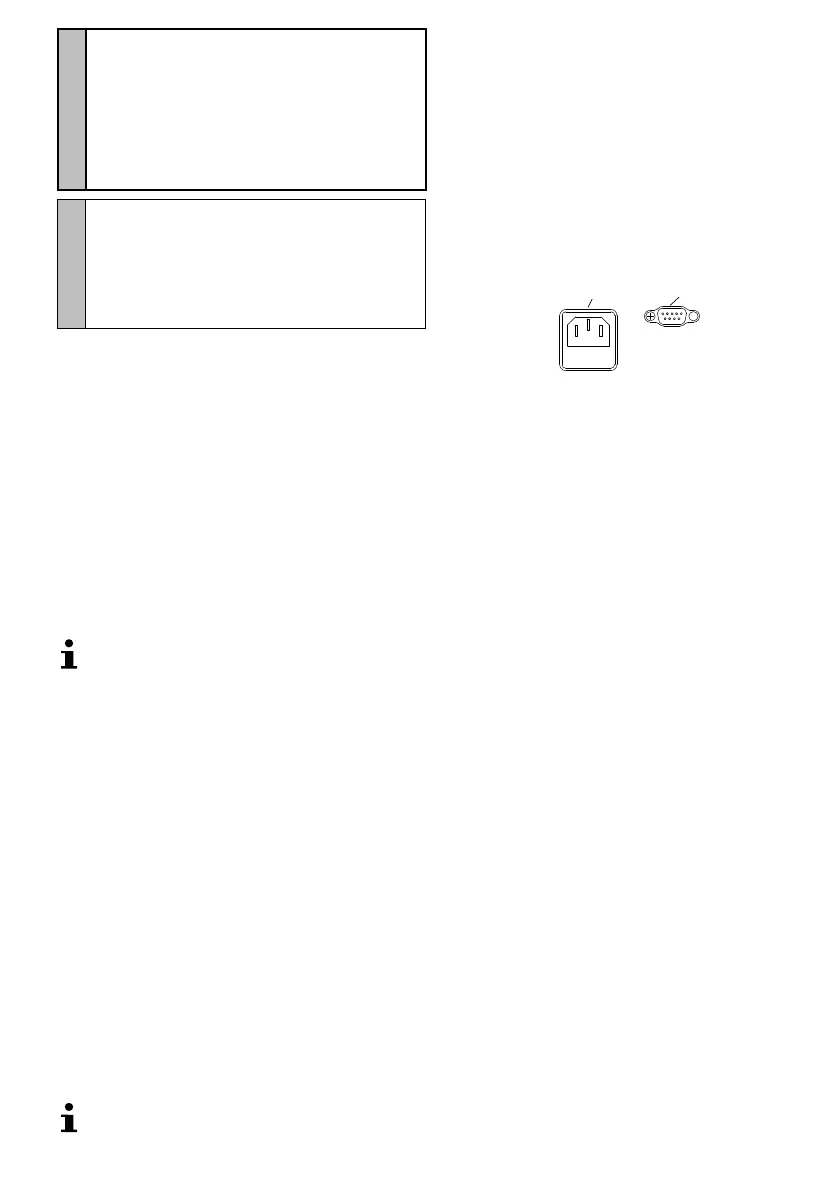
The coin counter is equipped with two connections.
2
1
1 Power
2 Printer / Computer (RS-232)
Printing the Count Results
Connect a printer or computer to the coin counter at the
RS-232 port and start the counting process.
After the counting process:
2 sec. SET Prt or PC appears in the display.
SET until the required setting is selected.
PRINT The count results are printed out on the
printer or PC connected.



 To Next Page