9
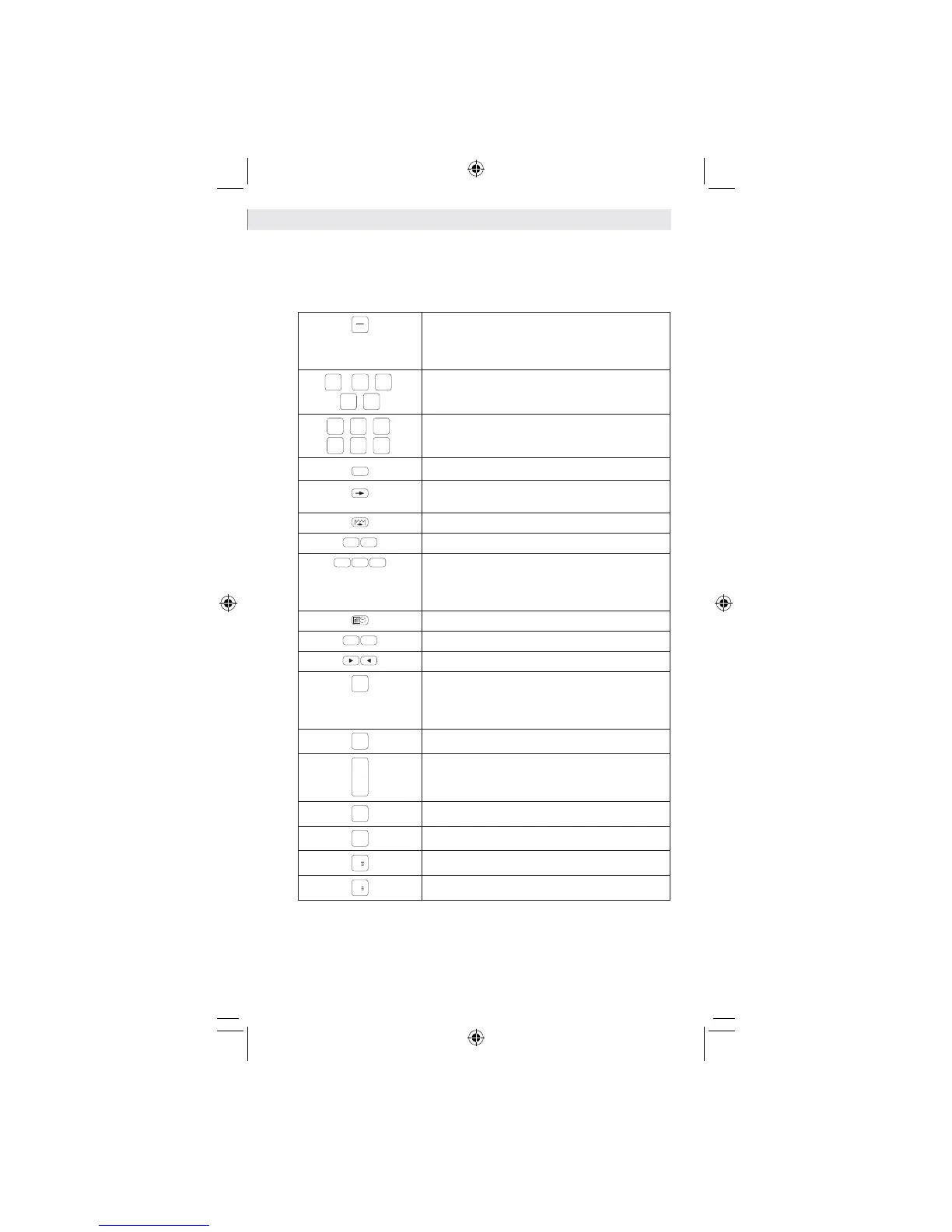
Keyboards Describe
CE
C
When performing a calculation, press once to clear
the last entered value. Press again to clear all entered
values, except memory. This key is also used for
clearing the overflow error.
1
-
9
,
0
,
00
,
.
Digit keys.
+
,
–
,
x
,
÷
,
=
,
%
Function keys.
+/
-
Sign change key.
Scroll Right key (moves the number displayed to the
right, deleting the last digit on the right-hand side).
Paper feed.
C 1
C 2
Used for calculating the currency.
COST
SELL MARGIN
Used for calculating the cost, selling price and profit
margin amount. Enter the value of any 2 items to obtain
the remaining value (e.g. enter the value of the cost
and the selling price to obtain the profit margin%).
10
Used for setting the calendar and time.
TAX+
TAX-
Used for calculating the tax.
To metric
From metric
Used for calculating the metric conversion.
#/P
Non-Add Key - Used for printing out information which
does not affect the calculation such as dates and serial
numbers. Figures are printed on the lefthand side of
the paper.
◊
Sub-total.
Total is printed.
M
Memory clear.
M
◊
Recall memory.
M
Memory minus.
M
Memory plus.
CPD_430.indd 9 13.11.2007 11:16:07



 To Next Page