42
Overview
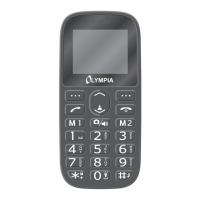
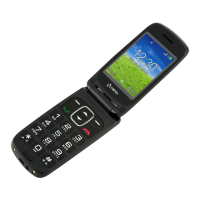
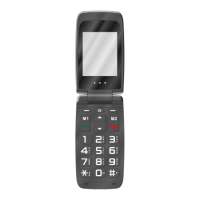
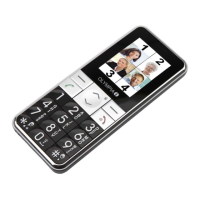
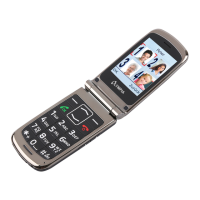
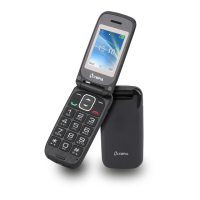
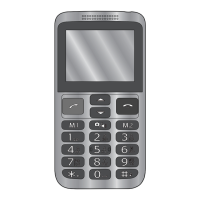
The illustration opposite shows your mobile phone in detail. Familiarise yourself with all the
controls before using your mobile phone.
1 Loudspeaker 9 Direct dialling button M2
2 Display 10 Hash key
3 Navigation buttons 11 Torch
4 Accept button 12 Battery cover
5 Direct dialling button M1 13 USB-C charging port
6 Keyboard 14 Emergency call button (SOS)
7 Star button 15 Camera
8 Hang up button 16 Headphone connection socket


 To Next Page