EasyManua.ls Logo

Olympia Viva - User Manual

Olympia Viva
30 pages
Print Icon
To Next Page IconTo Next Page
Loading...
R
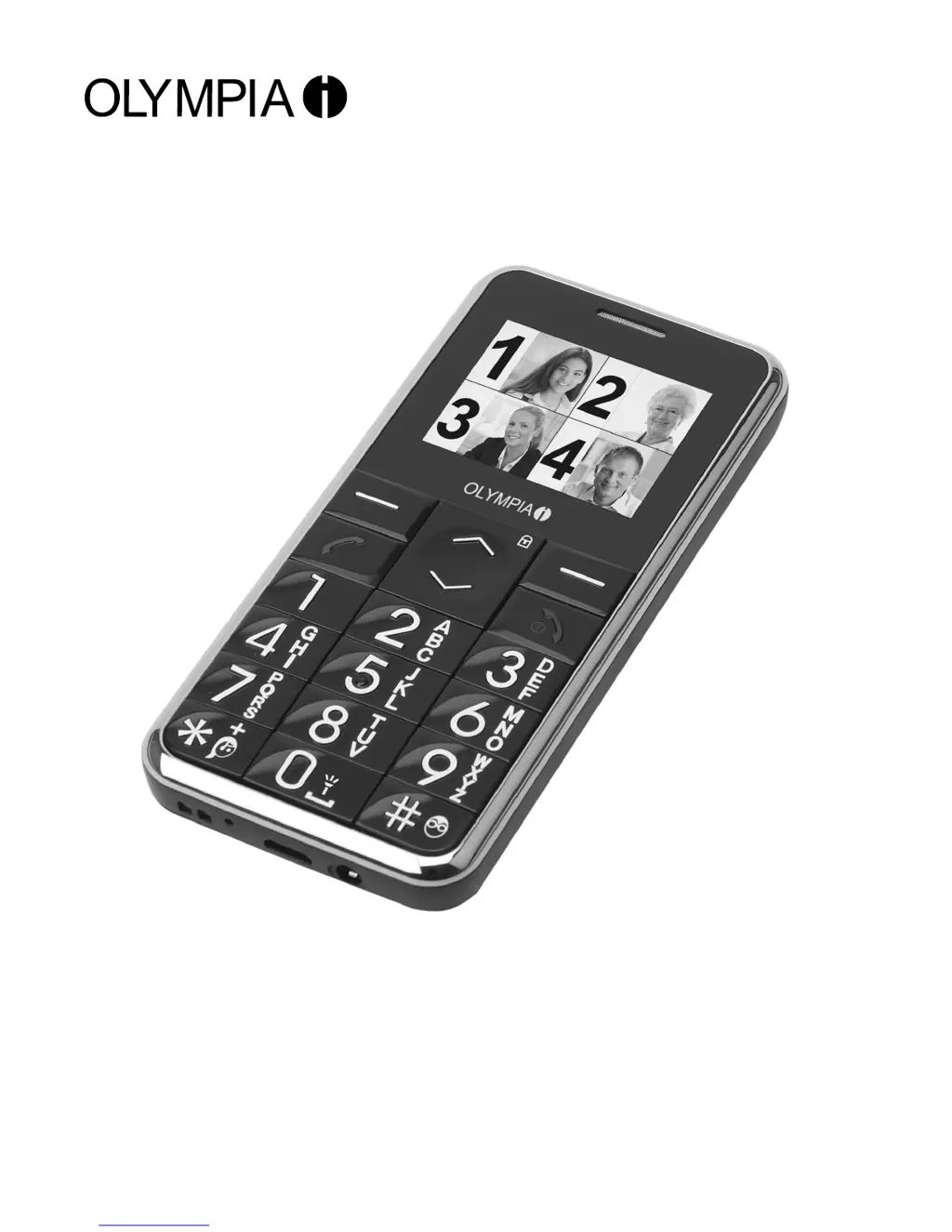
Convenient mobile phone with large keys
Viva Colour model
Olympia Business Systems Vertriebs GmbH
Zum Kraftwerk 1
45527 Hattingen
Operating instructions
01.02.2013 en/en

Questions and Answers

  • S
    Samuel CostaAug 17, 2025
    How to fix 'Insert SIM' message on Olympia Viva Cell Phone?
    • J
      Jordan AndersonAug 17, 2025
      If the 'Insert SIM' message appears on your Olympia Cell Phone, ensure that the SIM card has been installed correctly. If necessary, contact your mobile service provider.
  • A
    Anita HuertaAug 19, 2025
    What does 'Insert SIM' message mean on my Olympia Cell Phone?
    • S
      Sheri HowardAug 19, 2025
      If the “Insert SIM” message appears on your Olympia Cell Phone display, ensure that the SIM card has been installed correctly.
  • R
    Rebecca KirbyAug 22, 2025
    Why does my Olympia Viva battery drain so fast?
    • J
      Jason MedinaAug 22, 2025
      If your Olympia Cell Phone battery drains quickly or won't charge, there might be a few reasons. The battery itself could be defective. Ensure the phone is correctly placed in the charging unit and the power adapter is properly connected. Also, try cleaning the contact surfaces on both the phone and adapter with a soft, dry cloth. It's also recommended to charge the mobile for 4 hours.
  • D
    Diana ButlerAug 25, 2025
    How to turn on my Olympia Cell Phone?
    • S
      Sandra JacksonAug 26, 2025
      If your Olympia Cell Phone isn't turning on, first ensure that a battery is inserted. If a battery is already inserted, try charging the battery.
  • M
    Meagan StuartAug 27, 2025
    What to do if my Olympia Viva Cell Phone has no signal?
    • C
      cassidy82Aug 28, 2025
      If your Olympia Cell Phone displays no signal, it could be due to a lack of network connection. You may be in a location without network service. Try moving to a different location or contact your mobile service provider.
  • M
    moorebrianAug 30, 2025
    What to do if my Olympia Cell Phone screen is frozen?
    • L
      larsonstevenAug 31, 2025
      If your Olympia Cell Phone screen is frozen or unresponsive, remove the battery for 3 minutes and then try again.
  • G
    ginastevensSep 2, 2025
    Why is my Olympia Viva keypad not working?
    • L
      Luis SalinasSep 2, 2025
      If your Olympia Cell Phone keypad is not functioning or is very slow, it may be due to low temperatures reducing the display's operating speed. Try using the phone in a warmer location.
  • D
    Deborah HallSep 5, 2025
    What to do if my Olympia Cell Phone won't turn on?
    • P
      Paul FieldsSep 5, 2025
      If your Olympia Cell Phone isn't turning on, it could be due to a couple of reasons. First, make sure a battery is properly inserted. If the battery is in place, it might not be charged. In that case, charge the battery.
  • J
    jacksoncorySep 7, 2025
    Why does my Olympia Cell Phone show no signal?
    • M
      Mary MitchellSep 7, 2025
      If your Olympia Cell Phone displays no signal quality, it may be due to a lack of network connection. Try moving to a different location.
  • C
    Christopher FisherSep 10, 2025
    What to do if my Olympia Cell Phone keypad is slow?
    • A
      Alexander YoungSep 10, 2025
      If the keypad on your Olympia Cell Phone is functioning slowly or not at all, it could be because the operating speed of the display is reduced in low temperatures. Try using the phone in a warmer location.

Summary

Setting Up

Installing the SIM Card

Step-by-step guide to insert the SIM card into the phone.

Charging the Battery

Explains how to charge the phone's battery safely and correctly.

Operating Elements

Phone Controls and Ports

Details all physical buttons, ports, and display elements of the phone.

Getting Started

Text Input Methods

Explains different methods for text input on the phone.

Creating Phone Book Entries

Provides a step-by-step example for adding contacts to the phone book.

Phone Book Management

Phone Book Usage

Explains the phone book's capacity, entry rules, and alphabetical arrangement.

Making and Taking Calls

Making Calls

Steps for initiating a phone call by manually dialing.

Text Messages (SMS)

Writing and Sending SMS

Guides on composing and sending SMS messages.

Call Lists and Settings

Call Diverting

Instructions on how to redirect incoming calls to another number.

Call Barring

How to activate or deactivate call barring for incoming and outgoing calls.

Security Settings

SIM Security

How to manage PIN codes for SIM card security.

Phone Security

How to set up and manage the phone lock password.

System Operations

Factory Reset

Steps to reset the phone to its original factory configuration.

SOS Emergency Call

How to set up and use the SOS emergency call feature.

Organizer Features

Alarm Clock Setup

How to set and configure the phone's alarm clock.

Troubleshooting

Common Problems & Solutions

Common issues with the phone and their respective solutions.

Safety Information

Olympia Viva Specifications

General IconGeneral
BrandOlympia
ModelViva
CategoryCell Phone
LanguageEnglish

Related product manuals