46
Insert microSD memory card (optional)
If you want to expand the memory of your mobile phone, you can insert a microSD memory
card (not included) with up to 16 GB memory into your mobile
phone.
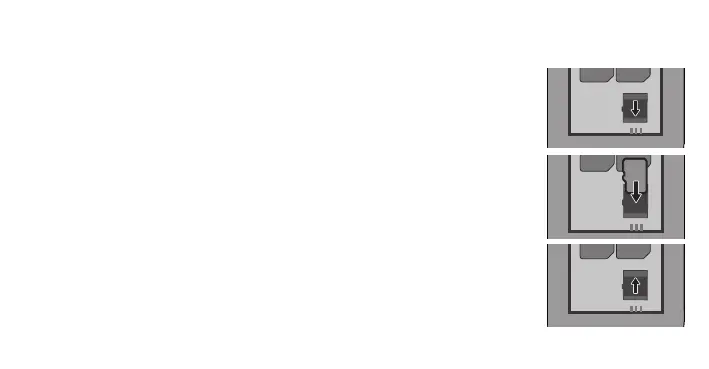
1 Slide the metal cover of the microSD compartment in the
direction of the arrow. Fold up the metal cover.
2 Insert the microSD memory card into the compartment
with the contacts facing downwards. Pay attention to the
orientation of the microSD memory card.
3 Close the metal cover. Slide the metal cover in the direc-
tion of the arrow to close the microSD compartment.



 To Next Page