57
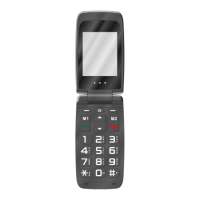
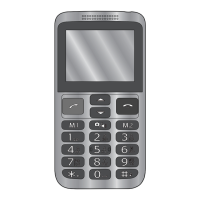
Direct dialling buttons
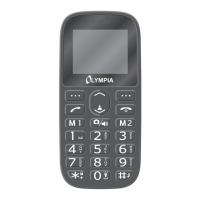
Press the direct dialling button M1 or M2 to call a stored contact.
Assign direct dialling buttons
1 Press the Hang up button to open the Contacts menu.
2 Select [Options] [Phonebook settings] [M1 M2] [OK].
3 Select [M1 Number] or [M2 Number] and then [Options].
4 Select [Add from Phonebook] [Select].
5 Navigate to the desired contact and conrm with [OK].


 To Next Page