EasyManua.ls Logo

Olympia TB 1280 - User Manual

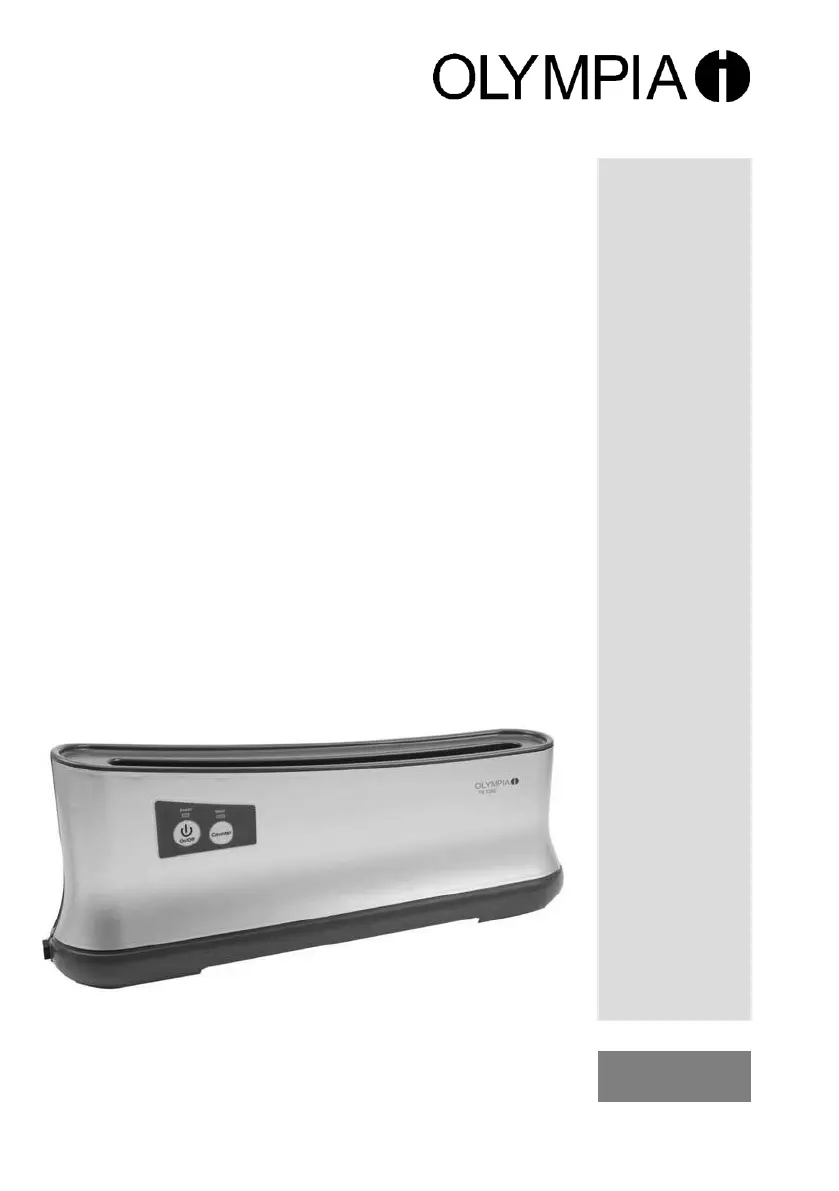
Olympia TB 1280
104 pages
Go to English
Print Icon
To Next Page IconTo Next Page
Loading...
№ⒷⒷ
Thermobindegerät
Thermal Binder
№ⒷⒷ
Thermorelieuse
№Ⓑ
Rilegatrice a caldo
Encuadernadora rmica
Máquina de
encadernação térmica
№Ⓑ
Thermisch inbindapparaat
Stroj na tepelné spojování
Συσκευή δεσίματος
θερμοκόλλησης
Hőkötőgép
Olympia Business Systems Vertriebs GmbH
Zum Kraftwerk 1 D-45527 Hattingen
http://www.olympia-vertrieb.de
(07.12.2011)
OLYMPIA
TB
1280

Table of Contents

Questions and Answers

  • B
    barnesbenjaminJul 29, 2025
    Why is the binding faulty or are sheets loose with my Olympia TB 1280?
    • M
      maria34Jul 30, 2025
      If your Olympia Binding Machine produces faulty bindings or loose sheets, it could be due to exceeding the maximum binding capacity by using too many sheets or an oversized thermal binding cover. Check the "Technical Data" for maximum capacity and redo the binding. Also, ensure the bound document cools down in the tray for at least 10 minutes.
  • C
    Chad EllisAug 9, 2025
    What to do if the POWER indicator does not light up on my Olympia TB 1280?
    • D
      Deborah LeeAug 10, 2025
      If the POWER indicator on your Olympia Binding Machine doesn't light up, first ensure the power plug is correctly inserted into the power socket. Next, verify the device is switched on by pressing the POWER button until the POWER LED illuminates red. If the POWER ON/OFF LED is still not working, contact our hotline (refer to Chapter "Guarantee").
  • J
    jordankarenAug 18, 2025
    Why did my Olympia TB 1280 Binding Machine switch off automatically?
    • P
      perkinspamelaAug 18, 2025
      The Olympia Binding Machine automatically switches off after 90 minutes of inactivity. To continue using it, simply switch the device on again (refer to Chapter “Switching the device on and off”).

Summary

Important Safety Information

Exemption From Liability

Intended Use

Operating Elements

Device Controls and Indicators

Identifies physical controls and indicators on the device itself.

Buttons and LED Indicators

Details specific buttons and LED indicators for operation control.

Starting Up

Operation

Powering the Device On and Off

Instructions for powering the device on and off using the POWER button.

Performing Thermal Binding

Step-by-step guide for performing the thermal binding process using the device.

Overheating Protection Feature

Explanation of the automatic shutdown feature to prevent overheating.

Cleaning and Maintenance

Troubleshooting Common Issues

Technical Specifications

Product Disposal

Warranty Information

Declaration of Conformity

Olympia TB 1280 Specifications

General IconGeneral
FormatA4
Media weight70 g/m²
Product type-
CertificationCE
Product colorSilver
LED indicatorsYes
Punch capacity- sheets
Binding capacity200 sheets
Maximum paper width- mm
AC input voltage230 V
AC input frequency50 Hz
Weight and Dimensions IconWeight and Dimensions
Depth130 mm
Width420 mm
Height167 mm
Weight870 g

Related product manuals