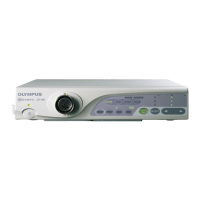
SPECIFICATIONS CV-160
1-6
Item Specification
1. Specifications
Make a moving image a still image.
(Field freeze system)
3. Other picture
quality adjustment
3. Freeze
2. Setting method
(1) Freeze with the freeze switch on the keyboard.
(2) Freeze with the scope switch.
(3) Freeze with RS-232C communication.
Note) Assign the scope switch on the user preset screen.
1. Specifications
(1) The observing image size is selectable.
4. Image display
function
1. Display area change
(Electric
magnification)
2. Setting method
(1) Set with the switch (Function key F5) on the keyboard.
(2) Change with the scope switch.
(3) Change with RS-232C communication.
Note) Assign the scope switch on the user preset screen.
1. Specifications
100% Color bar is displayed on the screen for adjustment of
the monitor.
1. Standard chart image
output
2. Setting method
(1) Select with the key (Function key F2) on the keyboard.
(2) Select with RS-232C communication.
1. Specifications
(1) Select the signal to the monitor from the inputs (scope,
printer, VTR and digital file).
4. Observation
5. Input/Output switching function
2. Selection of output
signal to the monitor
2. Setting method
(1) Select with the switch on the front panel (Image
Source).
(2) Select with RS-232C communication.
・The scope image is displayed at marked ×.
・Switching the monitor image is controlled by the monitor
remote signal.
Near the center:
1. 3700/01/08
(1) Composite signal, RGB signal, Y/C signal outputs
(240TV lines or more)
2. 3704
(1) Composite signal output
(350TV lines or more)
(2) RGB signal, Y/C signal outputs
(400TV lines or more)
5. Picture quality
1. Resolution
1. Luminance
Horizontal resolution
(Magnify in the
horizontal direction
so that the aspect
ratio (H:V) becomes
4:3 with the vertical
magnification rate of
1X, and adjust the
view angle.)
3. 37071
(1) Composite signal, RGB signal, Y/C signal outputs
(400TV lines or more)
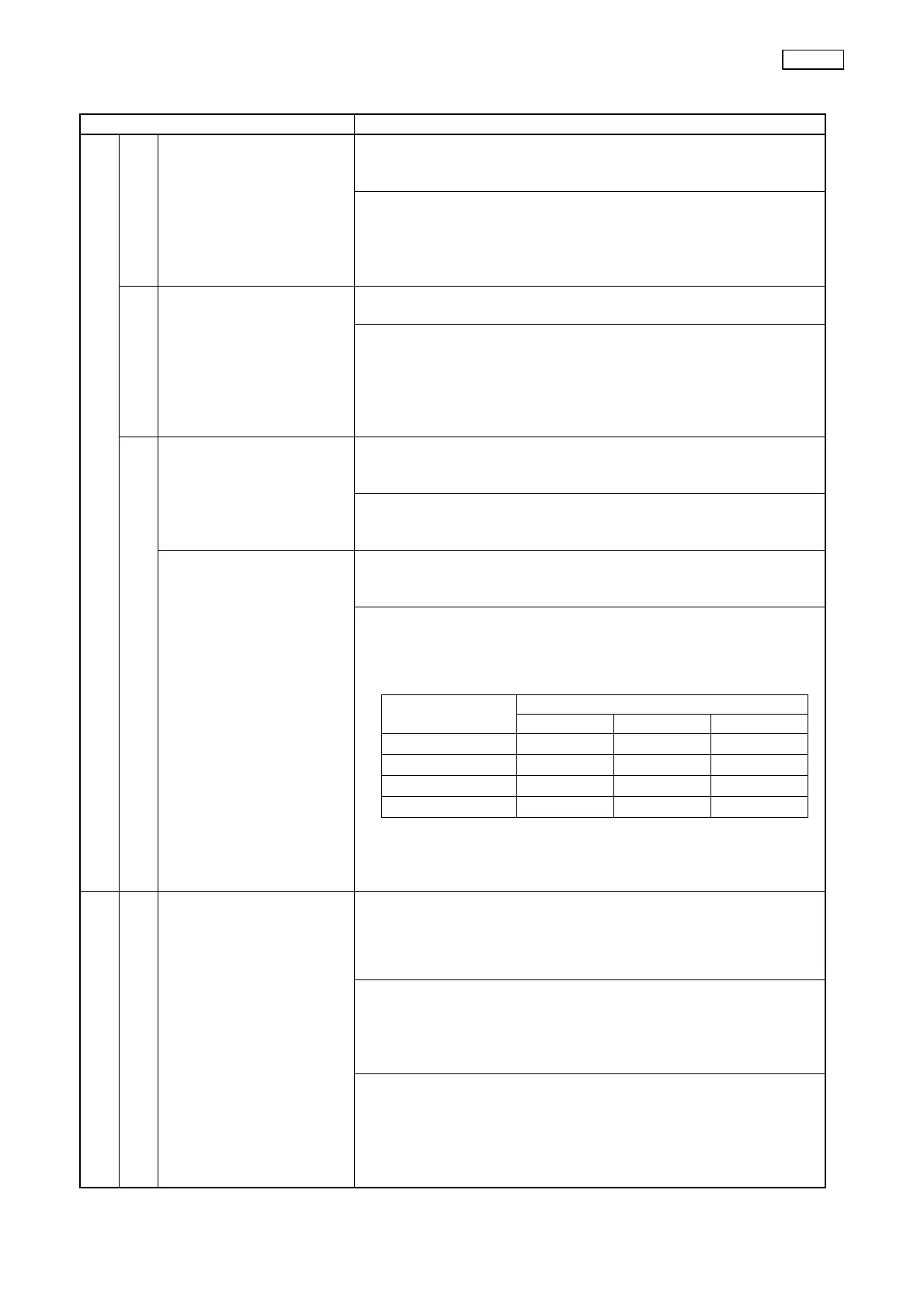
Output to the monitor IMAGE
SOURCE
RGB Y/C VBS
SCOPE
○ ○ ○
PRINTER
× × ○
VTR
× ○ ○
D.F.
○ × ×


 To Next Page
 Loading...