30
EN
P (PHOTO STORY)
When shooting, an image is incorporated into a layout frame set to create a
desired collage. This enables wide range of photo expression with themes or
stories.
1
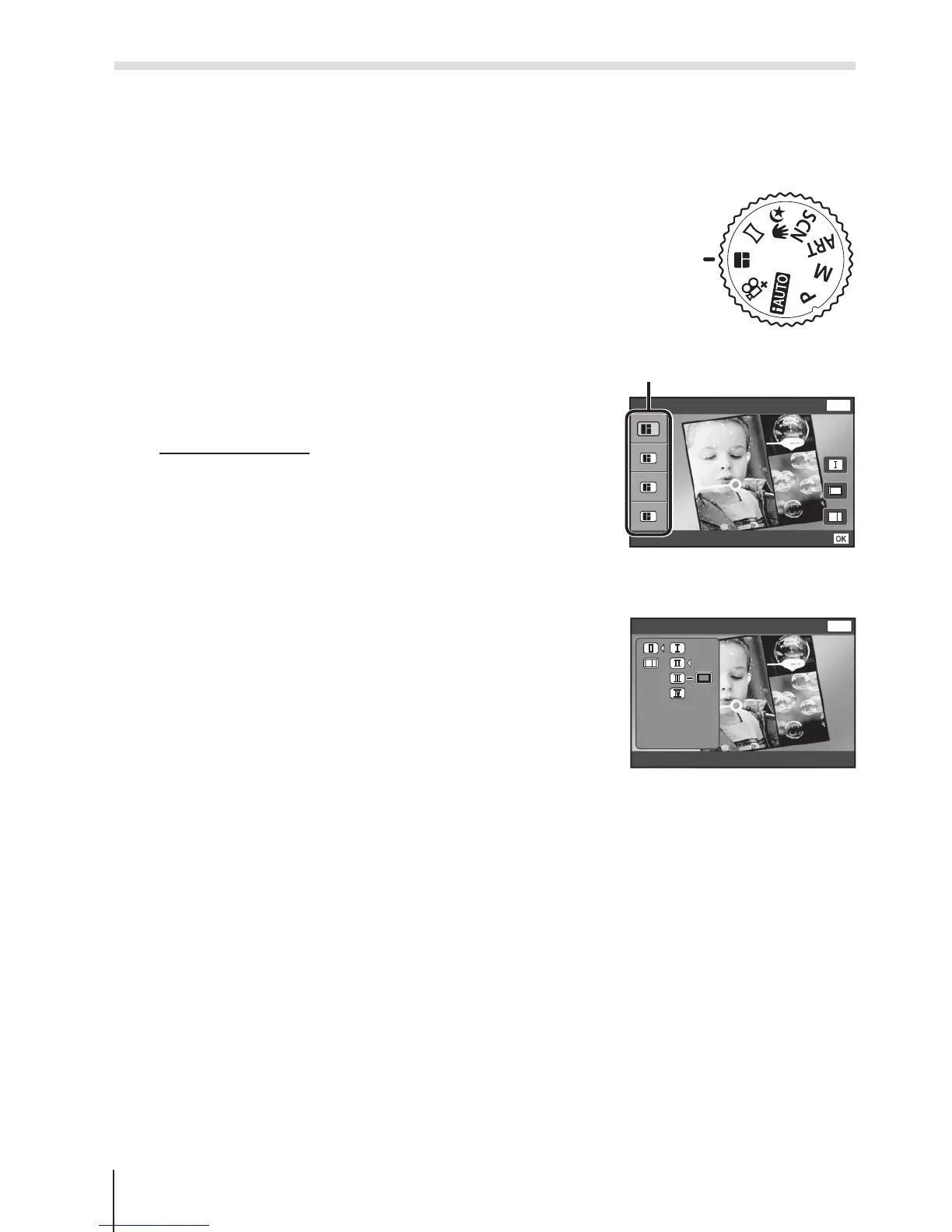
Rotate the mode dial to P.
2
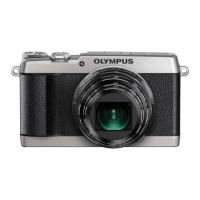
Select a theme using FG and press
I.
Types of theme
P
1
Standard
P2
Speed
P
3
Zoom In/Out
P
4
Fun Frames
1
2
3
4
Standard
Set
MENU
Back
Theme
3
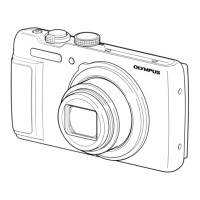
Select desired items in the theme using
FGHI, then press A.
• Press the shutter button halfway to
return to the shooting screen.
Standard
MENU
Back


 To Next Page