7
EN
• If the indicator lamp does not light, check the USB cable and USB-AC adapter
connections.
• If “No Connection” is displayed on the back monitor, disconnect the USB
cable and set [Storage] in [USB Connection] (P. 63) before connecting the cable
again.
When to charge the batteries
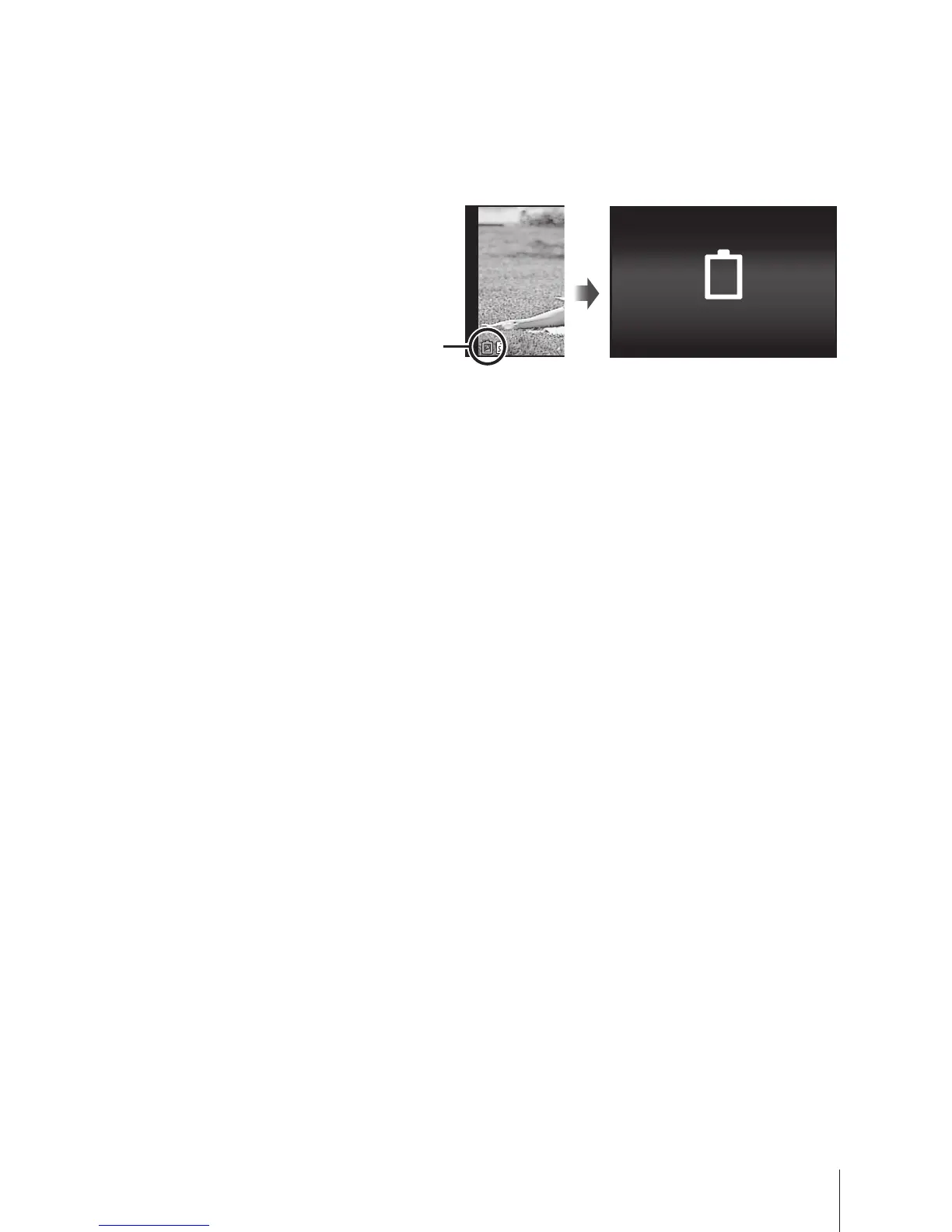
Charge the battery when the
error message shown on the
right appears.
Error message
Battery Empty
Flashes in red


 To Next Page