16
EN
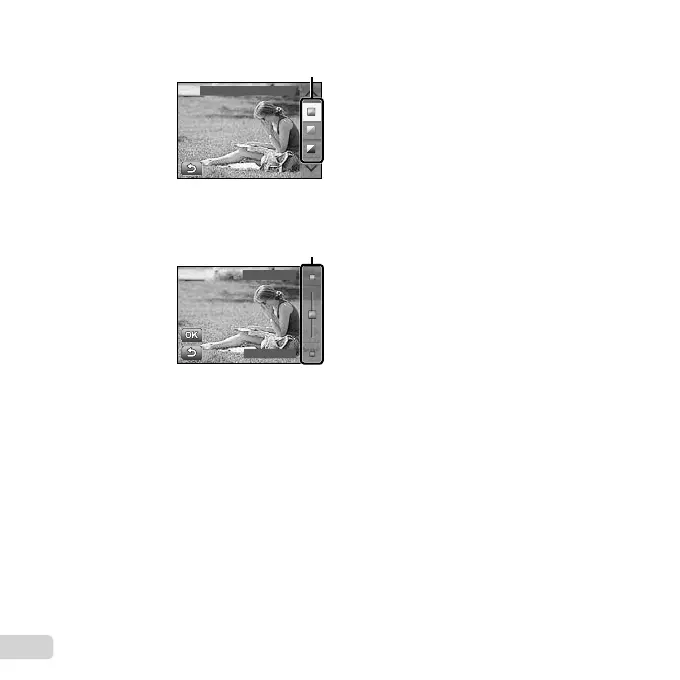
2 Use FG to highlight an item and press A.
Change Color Saturation
Guide item
3 Use FG to choose a level and check the effect
or description.
● Press the shutter button halfway to select.
Clear & Vivid
Flat & Muted
Level bar
4 Press the shutter button to take a picture.
● To clear the live guide from the display, press
the button.
● Pictures may appear grainy at some live guide
setting levels.
● Changes to the live guide setting levels may not be
visible on the screen.
● The fl ash can not be used with the live guide.
● Changes to the live guide options cancel previous
changes.
● Choosing the live guide settings that exceed the
limits of the camera exposure meters may result in
pictures that are over- or under-exposed.



 To Next Page