EasyManua.ls Logo

Olympus UWIT-Y0001-TX - User Manual

Olympus UWIT-Y0001-TX
62 pages
Print Icon
To Next Page IconTo Next Page
Loading...
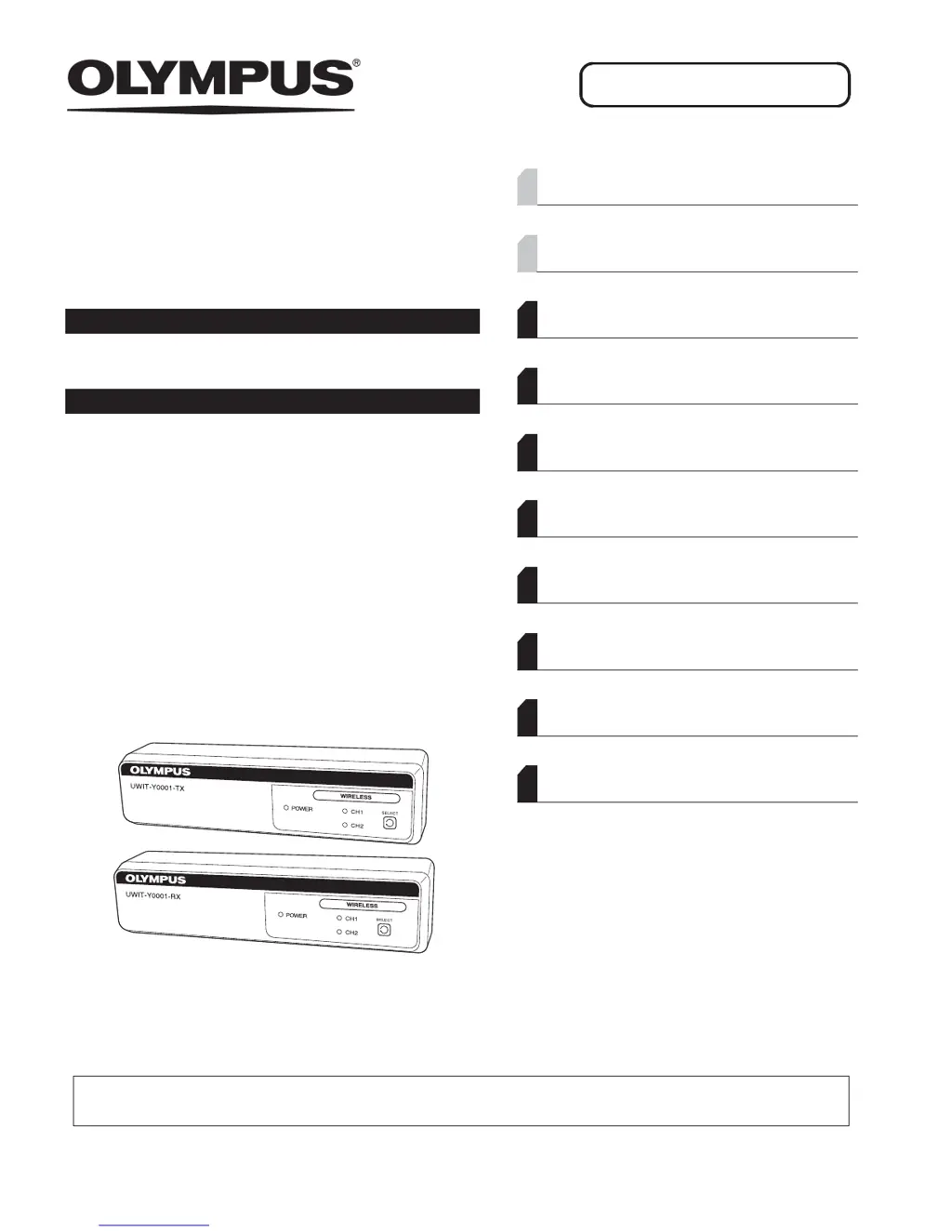
INSTRUCTIONS
WIRELESS TRANSMITTER
UWIT-Y0001-TX
WIRELESS RECEIVER
UWIT-Y0001-RX
Labels and Symbols 1
Important Information — Please Read Before
Use 4
Chapter 1 Checking the Package Contents 11
Chapter 2 Nomenclature and Functions 15
Chapter 3 Installation and Connection 21
Chapter 4 Inspection 31
Chapter 5 Operation 35
Chapter 6 Care, Storage, and Disposal 37
Chapter 7 Troubleshooting 39
Appendix 43
USA: CAUTION: Federal law restricts this device to sale by or on the order of a physician.
OPERATION MANUAL

Table of Contents

Questions and Answers

  • B
    Bryan HigginsAug 12, 2025
    What to do if the endoscopic image does not appear on the monitor while SDI is blinking in the video selection status display on my Olympus UWIT-Y0001-TX?
    • M
      Michael GardnerAug 12, 2025
      If the endoscopic image isn't showing while SDI blinks, first ensure the video system center is turned on. Check that the SDI cable is correctly connected. If the issue persists, the cable might be faulty and needs replacement. Also, confirm that you are inputting an HD-SDI video signal, as unsupported signals like SD-SDI won't work.
  • K
    Kristen IngramAug 16, 2025
    What to do if the endoscopic image does not appear on the monitor while DVI is blinking in the video selection status display on my Olympus UWIT-Y0001-TX?
    • D
      Donald BlackAug 16, 2025
      If the endoscopic image isn't appearing and DVI is blinking, verify that the video system center is powered on. Ensure the DVI cable is properly connected. If the problem continues, the cable may have a disconnected wire and should be replaced. Confirm that you're inputting a supported digital video signal of 1080p (60Hz/50Hz) or SXGA: 1280 × 1024 (60Hz). Note that the Wireless Transmitter doesn’t support HDCP, so connect a device that does not output an HDCP signal.
  • A
    Anna Nolan DVMAug 20, 2025
    Why won't my Olympus UWIT-Y0001-TX Receiver power on?
    • D
      Denise HollandAug 20, 2025
      If the Olympus Receiver fails to power on, check the following: * Ensure the AC adapter is correctly connected to both the Wireless Transmitter or Receiver. * Verify the AC cord is properly connected to the AC adapter. * Confirm that the mobile workstation is turned ON.
  • J
    Jason BlakeAug 23, 2025
    What to do if the endoscopic image does not appear on the monitor while CH1 or CH2 blinks on my Olympus UWIT-Y0001-TX Receiver?
    • J
      jamieandersonAug 25, 2025
      If the endoscopic image is not displayed and CH1 or CH2 is blinking, ensure that the channel (CH) of the transmitter and receiver are the same by pressing the SELECT button on the transmitter. Also, clear any remaining receiver ID in the transmitter by pressing the SELECT button. If the issue continues, RF interference may be the cause. Confirm the CH of nearby Wireless Transmitters or Receivers and set a different CH.
  • W
    William McconnellAug 27, 2025
    What to do if nothing lights on or blinks other than the power indicator on my Olympus Receiver?
    • D
      David ChandlerAug 27, 2025
      This issue might stem from a circuit malfunction in the Wireless Transmitter or Receiver. Try turning the device off, waiting for at least 10 seconds, and then turning it back on. If this doesn't resolve the problem, contact Olympus.
  • T
    Tiffany GibsonAug 31, 2025
    What to do if the endoscopic image does not appear on the monitor while CH1 or CH2 lights on my Olympus UWIT-Y0001-TX Receiver?
    • K
      Kimberly SmithAug 31, 2025
      If the endoscopic image is not appearing while CH1 or CH2 is lit, make sure the monitor is turned on. Also, ensure that the correct video input terminal is selected on the monitor.
  • D
    Derek CarterSep 4, 2025
    What to do if the endoscopic image does not appear on the monitor while nothing lights on the Wireless Transmitter or Receiver by Olympus?
    • J
      joann92Sep 4, 2025
      If the endoscopic image is absent and nothing is lit on the Wireless Transmitter or Receiver, first check if the power cord is correctly connected to the AC adapter. Also, verify that the mobile workstation is turned on.
  • C
    cynthiasmithSep 7, 2025
    Why does my Olympus Wireless Transmitter or Receiver keep rebooting automatically?
    • T
      tinawheelerSep 7, 2025
      This issue might be due to a circuit malfunction in the Wireless Transmitter or Receiver. Try turning the device off, waiting for at least 10 seconds, and then turning it back on. If the problem persists, contact Olympus.

Olympus UWIT-Y0001-TX Specifications

General IconGeneral
BrandOlympus
ModelUWIT-Y0001-TX
CategoryReceiver
LanguageEnglish