E-42
6
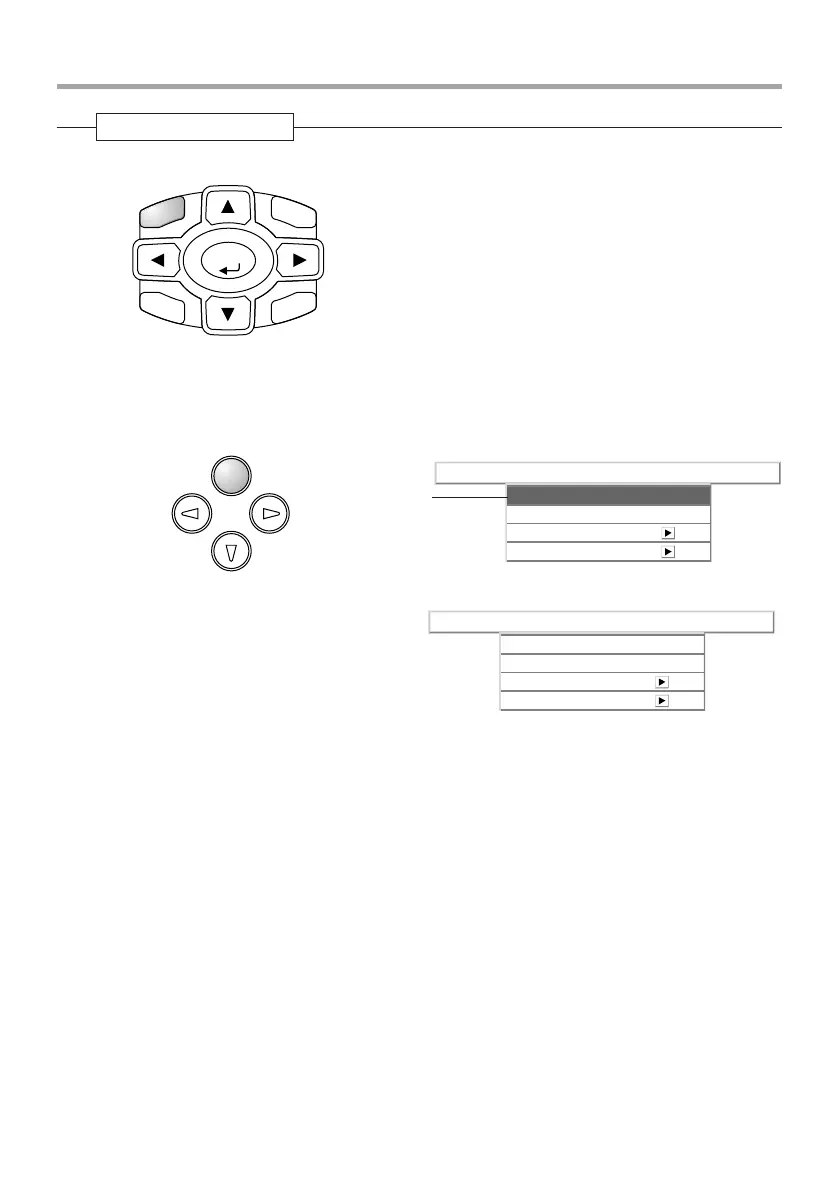
Press the MENU button and close the menu display
Closing the Menu
ENTER
CANCEL
MENU
HKSTN
VKSTN
Main unit operation: Press the MENU button and cancel the cursor display.
When a sub menu is displayed, press the MENU button to close the sub menu, then press again to
cancel the cursor. This condition allows the menu name to be selected.
MENU
AUTO
SOURCE
QUICK
MENU
Info.SetupViewColorImage
Aspect
Filter
Projection
Auto
3
Keystone
Info.SetupViewColorImage
Aspect
Filter
Projection
Auto
3
Keystone
A press of the MENU button while the
cursor is not displayed will close the menu
display.
Cursor
Menu Operation Method



 To Next Page