11
Controller Instructions
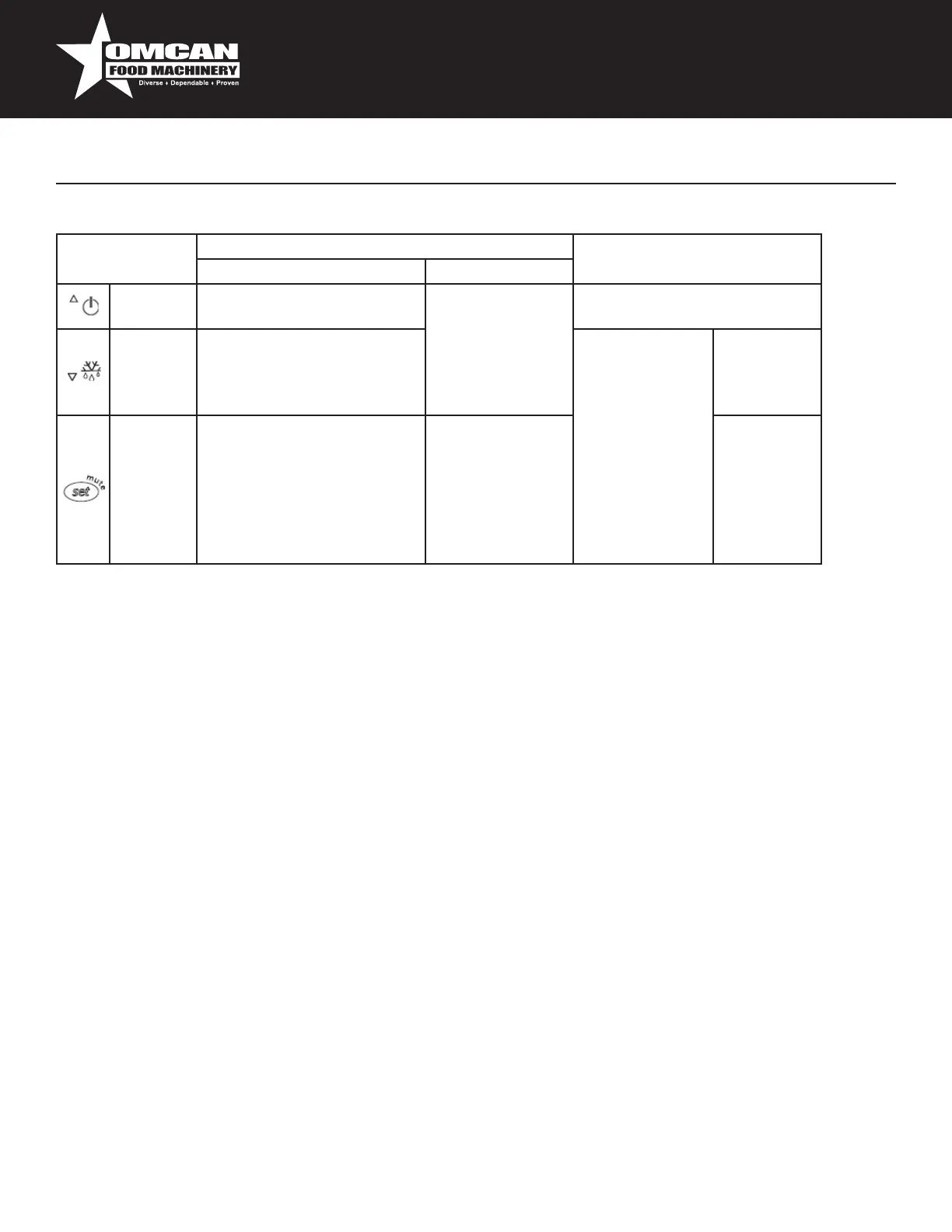
Table of Functions activated by the buttons - Models S, X, Y, C (Table 2)
Button NormalOperation StartUp
PressingtheButtonAlone PressedTogether
Up
ON/OFF
Morethan3sec:toggleON/
OFF
Start/Stop
continuouscycle
-
Down
Defrost
Morethan3sec:start/stop
defrost
Pressed
together
Startparameter
resetprocedure
For1sec.
display
rmware
vers.code
SetMute -1sec.:display/settheset
point.
-morethan3secs.:access
parametersettingmenu
(enterpassword)
-muteaudiblealarm
(buzzer)
- For1sec.
RESETcur-
rentEZYset
Setting the set point (desired temperature)
•pressSETfor1sec,thesetvaluewillstartashingafterafewmoments;
•increaseordecreasethevalueusingUPorDOWN;
•pressSETtoconrmthenewvalue.
Switching the device ON/OFF
PressUPformorethan3sec.ThecontrolanddefrostalgorithmsarenowdisabledandtheInstrument
displaysthemessage“OFF”alternatingwiththetemperaturereadbythesetprobe.
Manual defrost
PressforDOWNmorethan3sec(thedefroststartsonlythetemperatureconditionsarevalid).
Continuous cycle
PressUPandDOWNtogetherformorethan3sec.
Access and setting type F (frequent) and type C (conguration) parameters.
1. pressSETfor3sec(thedisplaywillshow“PS”);
2. •toaccessthetypeFandCparametermenu,enterthepassword“22”usingUP/DOWN,pressSETto
conrm;
•toaccesstheFparametermenuonly,pressSET(withoutenteringthepassword);
3. scrollinsidetheparametermenuusingUP/DOWN;



 To Next Page