28
Operating Instructions
Adding Items While A Wash Is In Progress
You can add items after the wash program has begun.
However, if the machine no longer in the wash cycle, anything added may not be well washed, and other
items soiled as well. Check that the machine is not rinsing.
Follow these instructions:
1. Press the Start/Pause button to pause the washing.
2. Wait 5 seconds then open the drawer.
3. Add the extra items.
4. Close the drawer.
5. Press the Start/Pause button, the dishwasher will start.
NOTE:
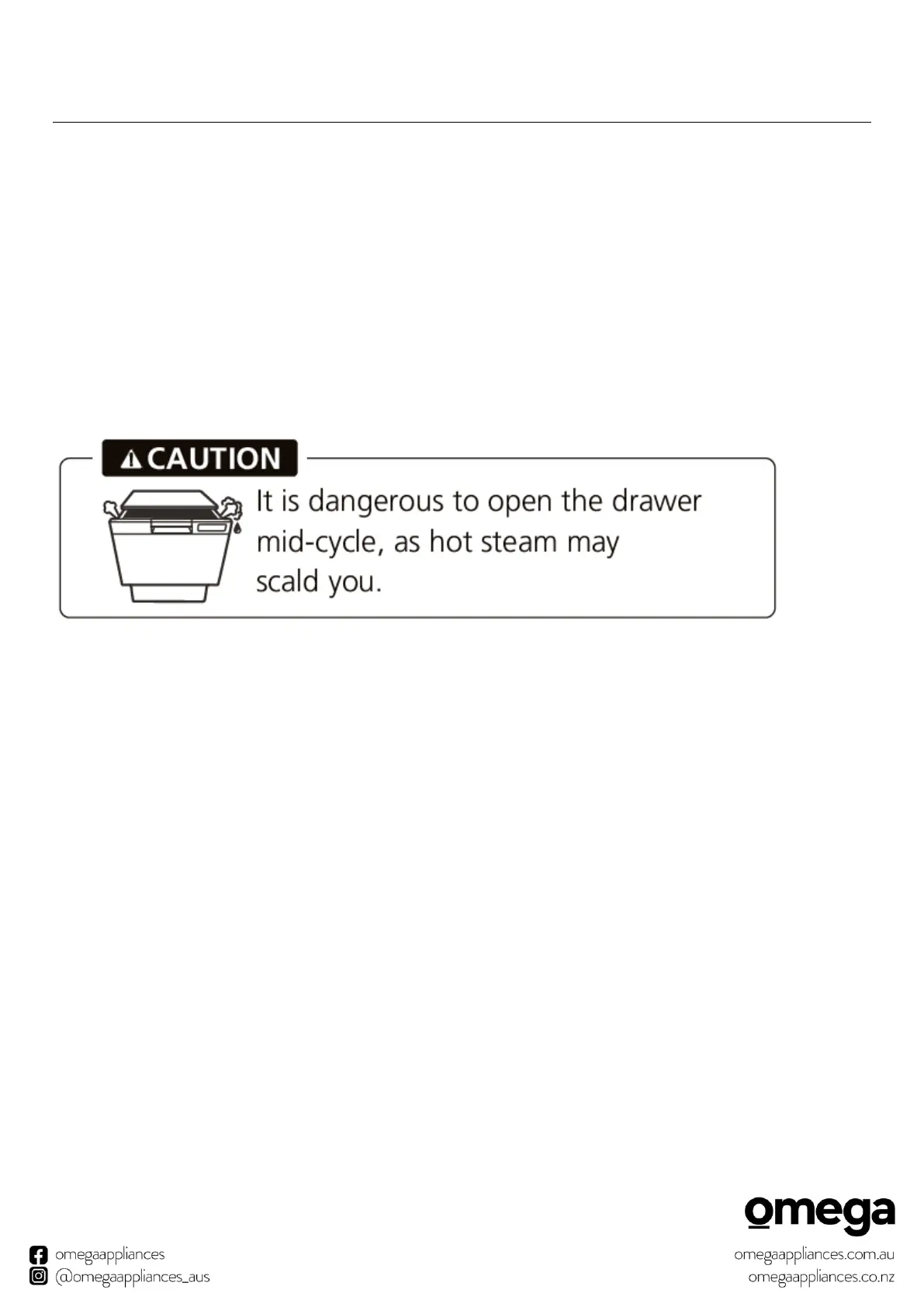
When the dishwasher is operating, do not force open the drawer. Press the Start/Pause button, and
wait a few seconds before opening the drawer.
If the electric power to the dishwasher is interrupted during a wash program, it will continue to the
end of the program when the power is restored.


 To Next Page