TX OPT 16
2
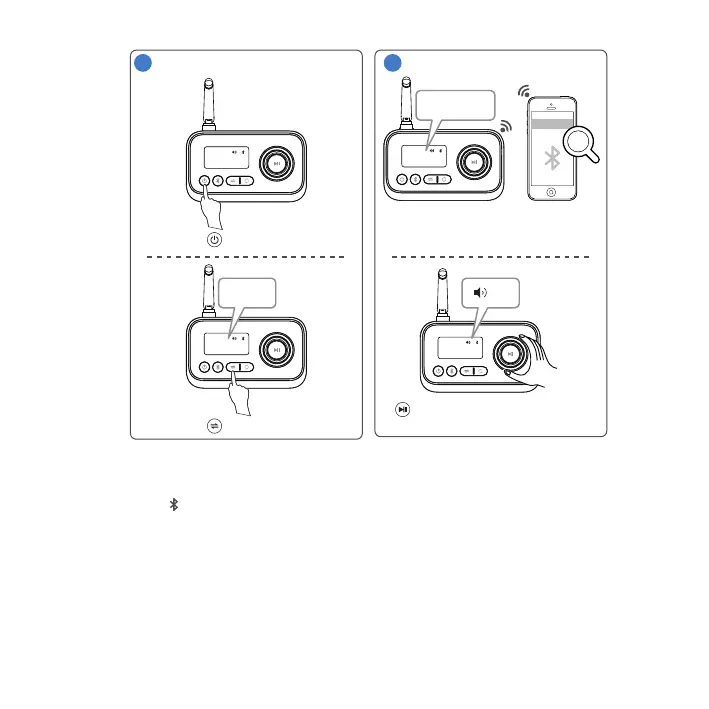
Power on.
Press 3 sec.
RX OPT 16
Select TX mode.
Pair.
3
RX
RX OPT 16
Connecting...
Phone 1
Phone 2
RX OPT 16
Rotate to set volume.
Press to pause.
BDT-5.0
0-16
Ÿ The BDT-5.0 can pair with 2 smartphones or audio devices simultaneously, but can
only play music from one device at any time.
Ÿ Press to disconnect the current 2 paired devices and enter search mode.
Ÿ The BDT-5.0 stores the pairing information and will attempt to reconnect with the 2
most recently paired devices when powered on.
BDT-5.0 will enter pairing mode.
Activate Bluetooth at smartphone
and connect to the BDT-5.0.
25
English



 To Next Page