EN
®
K
E
Y
-
2
8
8M
I
D
IC
O
N
T
R
O
L
L
E
R
USBMIDICONTROLLER
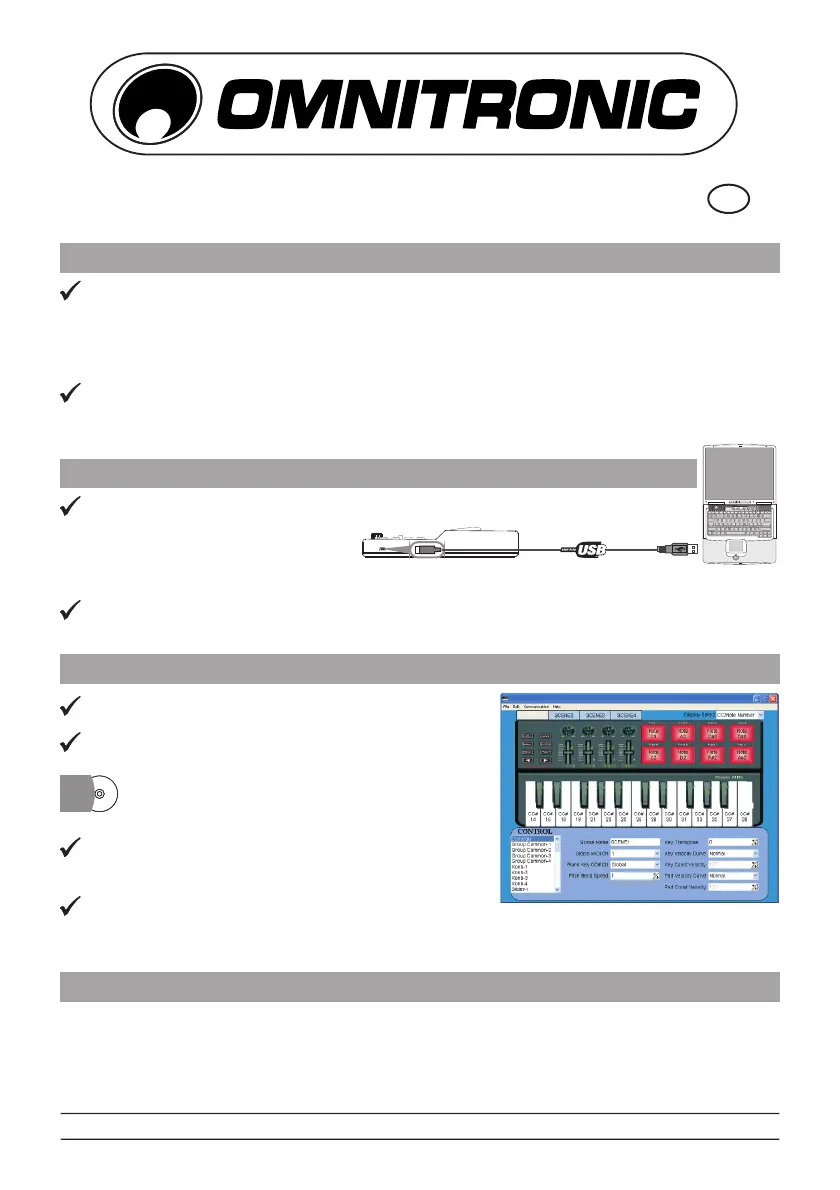
CONNECTING A COMPUTER
FIRST STEPS WITH THE EDITOR
SYSTEM REQUIREMENTS
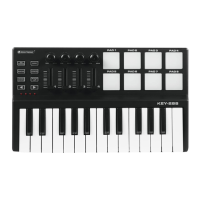
TheOMNITRONICKEY-288isanultra-compactandlight-weightMIDIkeyboard
designedtocontrolmusicsoftware.Itisequippedwith25velocity-sensitivekeys,8
velocity-sensitiveanddrumpadsaswellas4fadersand4rotarycontrols.Itconnects
bothPCandMac. Youcandowithoutabulkypoweradapteraspowersupplyis
viatheUSBbus.
TheunitissuppliedwithaCD-ROMwhereyoucanfindthefullusermanualanda
PCsoftwareeditorwhichletsyoucustomizetheKEY-288underWindowstoyourown
requirements.
UsetheincludedUSBcableto
connecttheKEY-288toa
USB2.0portonyourcomputer.
Thepowerwillturnonandthe
octaveLEDwilllightup.
SelecttheKEY-288asMIDIcontrollerwithinyourmusicsoftwareandyouareready
togo!
Theeditorwillletyoucustomizealleditable
controllers,andcreate,saveandloadpresets.
AlwaysconnecttheKEY-288toyourcomputer
beforeopeningtheeditor.
Toopentheeditorinsertthesupplied
CD-ROMintoyourCDdriveandstartthe
application.
Inthemainscreen,clickthecontrolyouwould
liketomodifyandedititsassignmentsinthe
lowerrightpane.
Inorderforyouradjustmentstobereflectedin
yourMIDIcontrolleryouwillneedtowritethedataintothecontroller.Forthis,select
fromthetopmenubar.
WindowsXP,Vista,7
MacOSX10.3.9andbetter
Communication>SendSceneData
MINIMINI
CDCD
© COPYRIGHT REPRODUCTION PROHIBITED/NACHDRUCK VERBOTEN
00069085.DOCVERSION1.0 2012
Everyinformationissubjecttochangewithoutpriornotice.2012©
KEY-288
Notebook
includedUSBcable


 To Previous Page
 Loading...