10
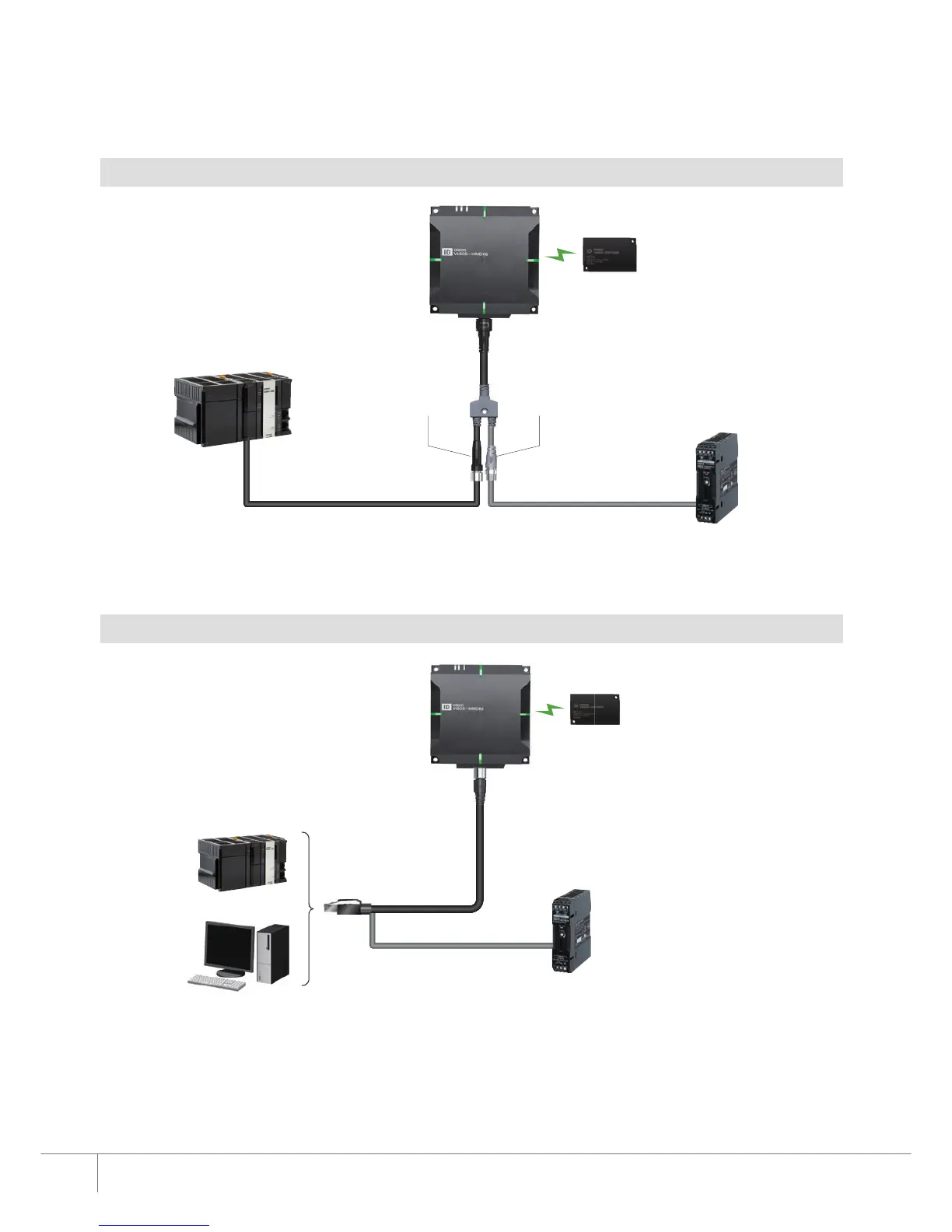
System Configuration
*1. The 0.5 m cable with two M12 connectors is attached to the Reader/Writer. The cable cannot be removed.
*2. The maximum extension length of the Ethernet cable is 100 m.
Note.
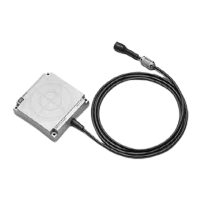
The cable can be extended up to 60 m by using the Extension Cable V680S-A40
□M (cable length: 10/20/50 m)
or V680S-A50
□M (Flexible cable, cable length: 2/10/20m).
Use the extension cable between the Reader/Writer and cable.
Only one extension cable can be used.
*1. The length of the Cable V680S-A41
□M/-A42 □M/-A51 □M is 2, 5, or 10 m.
*2. The end of the cable should be prepared before connecting.
Reader/Writer
EtheNet/IP: V680S-HMD6□-EIP *1
PROFINET: V680S-HMD6□-PNT *1
Ethernet Cable *2
Cat.5, Cat5e, STP
Power Cable
XS5F-D42
□-□80-F
(recommended)
RF Tag
V680S-D
□□□
V680-D□□□
EtherNet/IP, PROFINET
Modbus TCP
PLC/Machine
Automation Controller
PLC/Machine
Automation Controller
Personal Computer
Power Supply
24 VDC
-15% to +10%
Power Supply
24 VDC
-15% to +10%
Plug connector
(M12 · A-coding)
for Power Supply
Socket connector
(M12 · D-coding)
for Ethernet
The below shows the configuration for 1 to 1 connection. Multiple Reader/Writers can be connected by using a Switching HUB.
Cable *1
V680S-A41□M (Special connector - RJ45)
V680S-A42 □M (Special connector - Loose wires) *2
V680S-A51 □M (Special connector - RJ45 Flexible cable)
Reader/Writer
V680S-HMD6□-ETN
RF Tag
V680S-D
□□□
V680-D□□□











 To Next Page