4
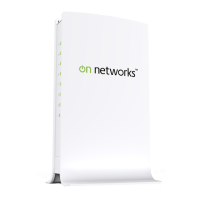
Back Panel. The back panel has these features.
WPS button. Securely connect
computers, printers, and other Wi-Fi
enabled mobile devices at a push of this
button.
Ethernet ports. Connect a computer or
other wired devices to your router using
these ports.
Internet port. Connect a cable or DSL
modem to your router using this port.
Power adapter outlet. Connect the power
adapter here to connect the router to an
electrical power source.
On/Off button. Use this button to power
the router on and off.
Factory Reset button. To use this button,
stick a paper clip into the reset hole and
hold it for about 5 seconds until the Power
LED begins to blink.


 To Next Page
 Loading...