9
Dual Mode IntelliPlug AVC014
INSTALLATION CONFIGURATION for TV - Audio Visual Mode
SECTION
Table of Contents
1
2
3 4 5
Where to place the device:
The One Click IntelliPlug is designed for your equipment.
Consider the following when deciding where to place the
One Click IntelliPlug:
• the proximity of the One Click IntelliPlug to the equipment
• the lengths of the cables attached to your adapter
Connection and Installation
Step 1 Disconnect your existing power distribution panel
from the wall socket
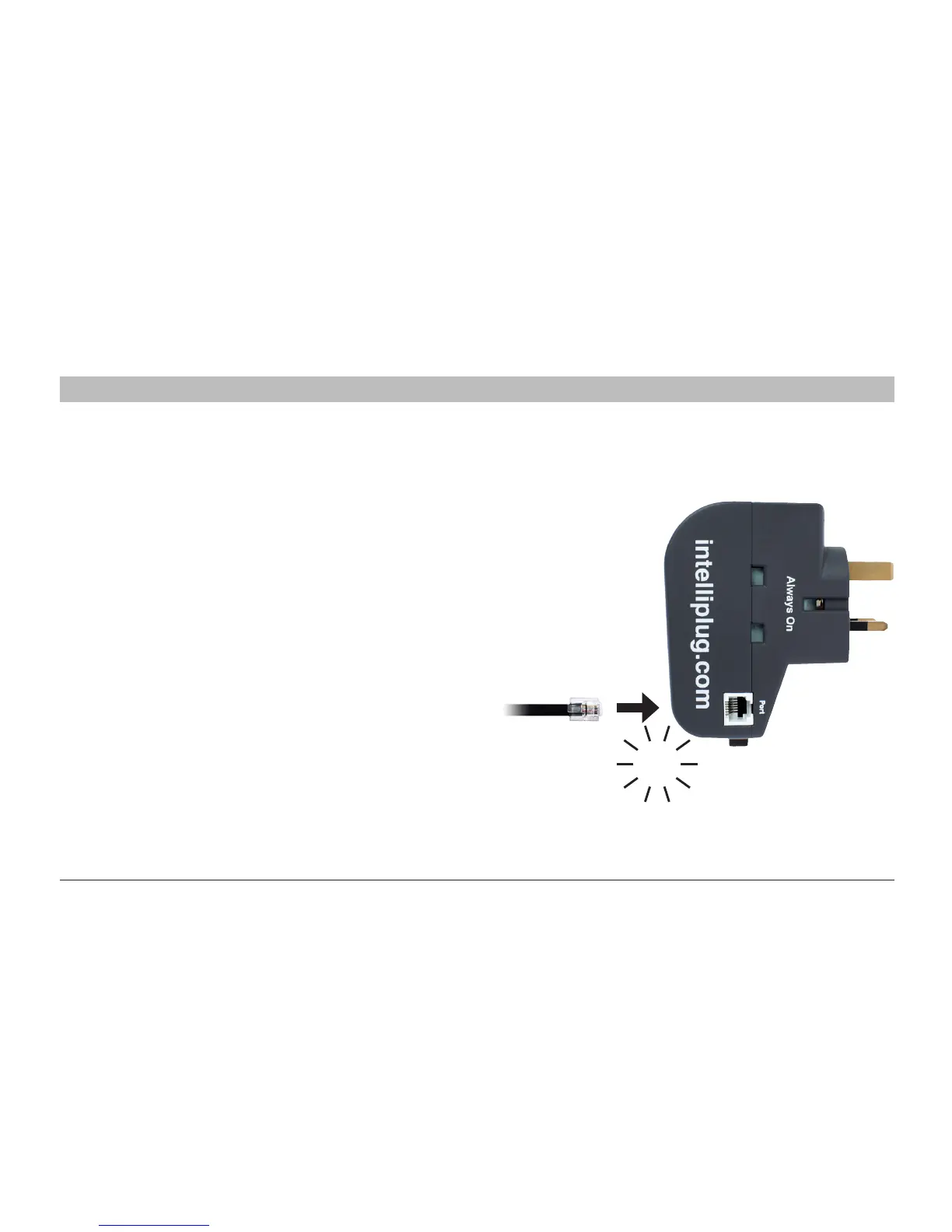
Step 2 Connect one end of the supplied RJ12 cable to
the One Click IntelliPlug as illustrated.
Warning:
Before attempti
ng to connect anything to the One Click IntelliPlug,
please ensure that all connected equipment and devices are powered off
.
CLICK


 To Next Page