16
Dual Mode IntelliPlug AVC014
SECTIONS
Table of Contents
1
2
3 4 5
Step 2
Within 20 seconds press the power button on your
television remote control to bring your television out of
standby, enjoy your television in the normal manner
and send power to your peripheral equipment.
Step 3
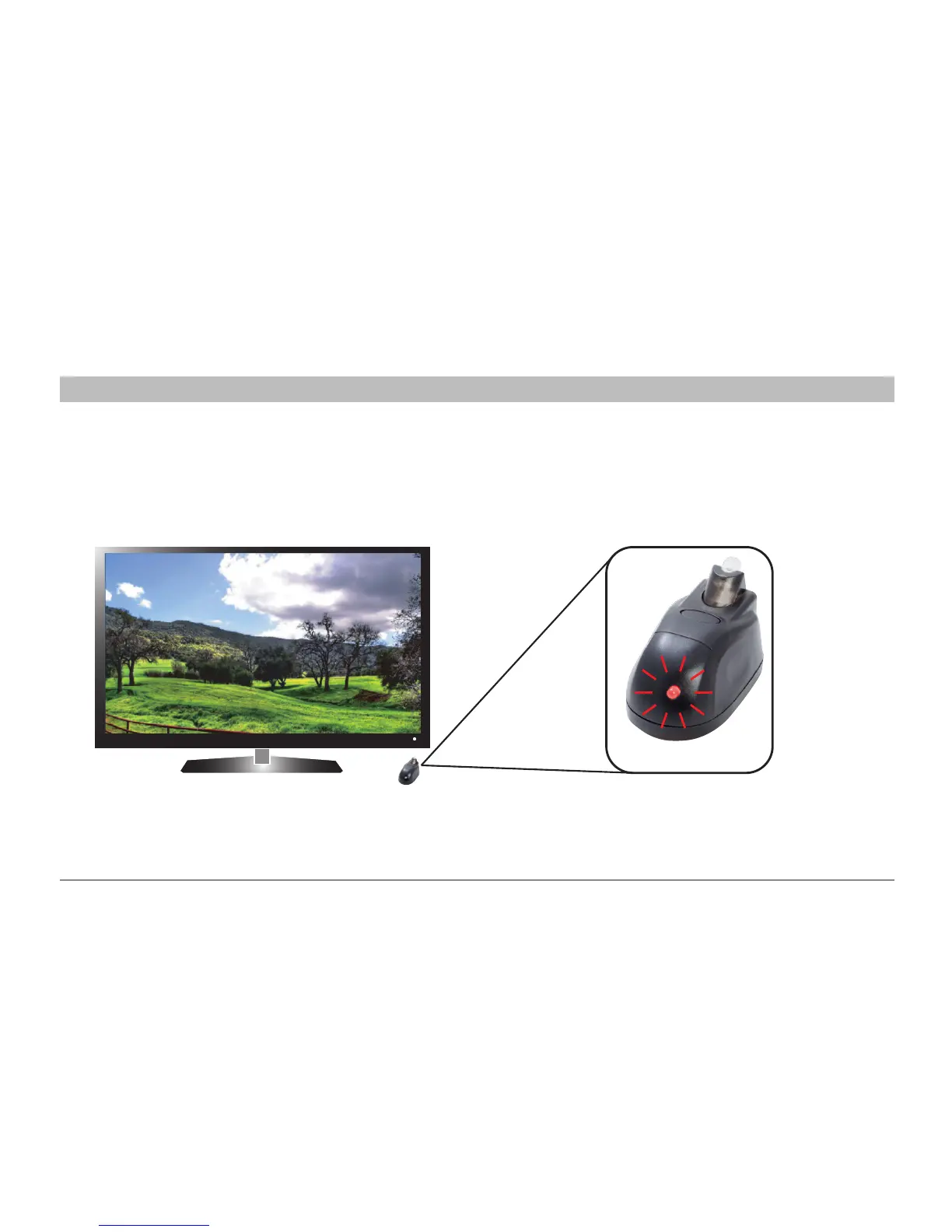
The Remote Sensor LED will flash red every time it
receives an infrared signal from any remote control.
OPERATING THE INTELLIPLUG WITH THE REMOTE SENSOR
Remote Sensor
INSTALLATION COMPLETE


 To Next Page