24
Dual Mode IntelliPlug AVC014
SECTION
Table of Contents
1
2
3 4 5
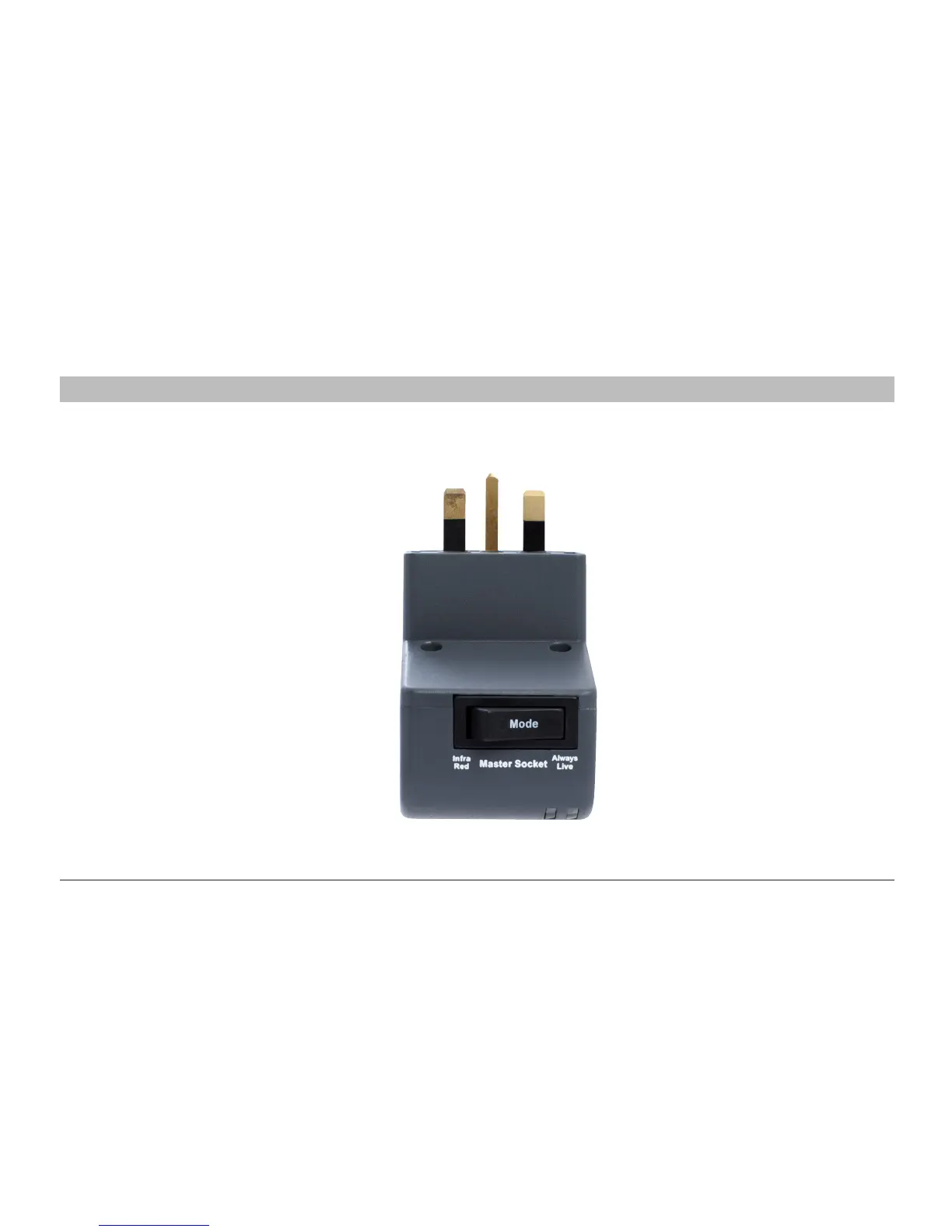
Step 1 Make sure that the One Click IntelliPlug Master Socket Mode switch is set to Always Live
INSTALLATION - DESKTOP / LAPTOP COMPUTER CONFIGURATION
Do not use the Remote Sensor or RJ12 cable
in this recommended configuration
Power is always on to the Master Device
Power to peripheral equipment is switched on
when the computer is in use
Power to peripheral equipment is denied
when the desktop computer is switched off
or, if used with a laptop, when the laptop
battery is fully charged.
For additional configuration ideas / information
visit www.oneclickpower.com


 To Next Page