7
SETUP
VOLUME LOCK
If you primarily use one device for controlling volume, for example
a Sound Bar or Audio Video Receiver, it’s possible to program your
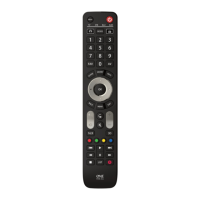
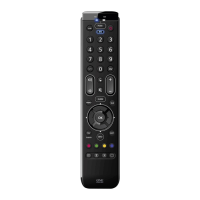
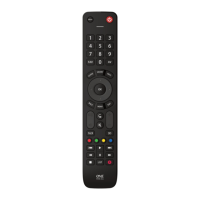
Essence remote to only control that device when you use the Volume
Up, Down and Mute keys. To do this:
1. Hold down the Setup key until the LED under the
Device key blinks twice.
2. Press 993 – the LED should blink twice.
3. Press the device key for the device to always control
volume – for example Audio.
4. The LED will blink twice.
From now on, pressing the Volume Up, Down or Mute keys will always
control the Audio device, no matter what device you are controlling.
To unlock the volume, and return the remote to controlling each
device’s volume individually, the procedure is:
1. Hold down the Setup key until the LED under the
Device key blinks twice
2. Press 993 – the LED should blink twice
3. Press VOLUME DOWN – the LED will blink four
times and Volume is now unlocked.
Deleting a learned function
If you want to delete a learned function and return that keys to its
original state, you can use the following procedure:
1.
Press the Device key for the device you want to learn functions onto.
2. Hold down the Setup key until the LED under the
Device key blinks twice.
3. Press 976 – the LED should blink twice
4. Press the key you want to reset twice – the LED should blink
twice and the learned function has been deleted.
facebook.com/ @oneforall.worldwide linkedin.com/ youtube.com/
oneforallworldwide company/one-for-all-worldwide/ user/oneforallproducts
Connect with us
713430_1-3_21T_Printfile_URC1281_ESSENCE_8_RDN1150323.indd 7713430_1-3_21T_Printfile_URC1281_ESSENCE_8_RDN1150323.indd 7 22-03-2023 11:5122-03-2023 11:51


 To Next Page
 Loading...