5- Midi Channel setup and Tap Tempo Control
Each midi channel can be turned off separately, if a midi channel is turned off, its
index number will not be present in a preset edit, it helps to speed up the preset edit.
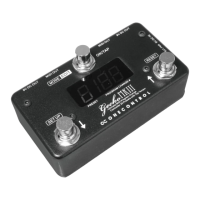
Hold the “SETUP/DOWN” switch and power on Gecko, it starts to setup midi channel 1,
UP and DOWN switch change the tap tempo control number (0~127), or turn off the
midi channel “oF”, or midi channel on but no tap tempo control number “--”, when midi
channel 1 setup is done, press OK to go the next midi channel setup. Hold “OK” switch
to quit the setup.
Each midi channel can also be assigned with a tap tempo control number, which will
be sent when “OK” switch is continuously pressed. This allows Gecko to set tap
tempo of more than one (max. 16) midi devices at the same time.
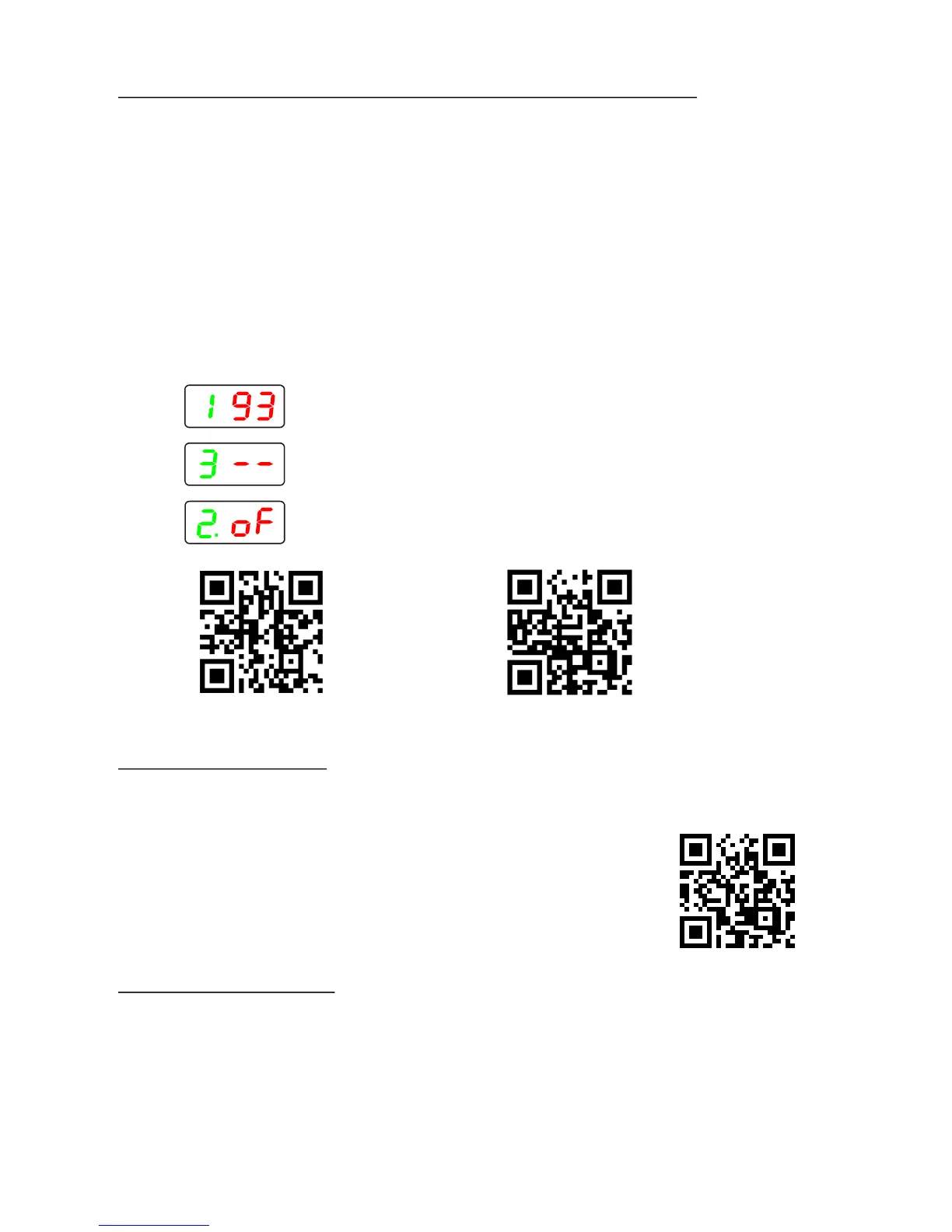
Midi channel 1 on, tap tempo control number is 93
Midi channel 3 on, tap tempo disabled
Midi channel 12 off
6- Factory Reset
Factory reset erases all the user data and restore the factory data.
Hold the “UP/RESET” switch and power up the Gecko, it
enters factory reset operation, use “DOWN” switch to
select “y”(yes) or “n”(no), hold “OK” switch if “y” is selected,
Gecko will count down 5 seconds then erase the user data
and restore the factory data.
Dimensions....................................120(W) x65(D)X46(H)mm
Weight...............................................................................400g
Power Supply......................................................................DC9V
Current Drain (EXT. DC power supply) .......................max. 25mA
Current Drain (Battery)............................................ less than 1mA
7- Specifications
Video tutorial link
Video tutorial link
Video tutorial link


 To Previous Page
 Loading...