MICROFLASH 4T PRINTER USER'S GUIDE
12
Using a CardReader
General Guidelines
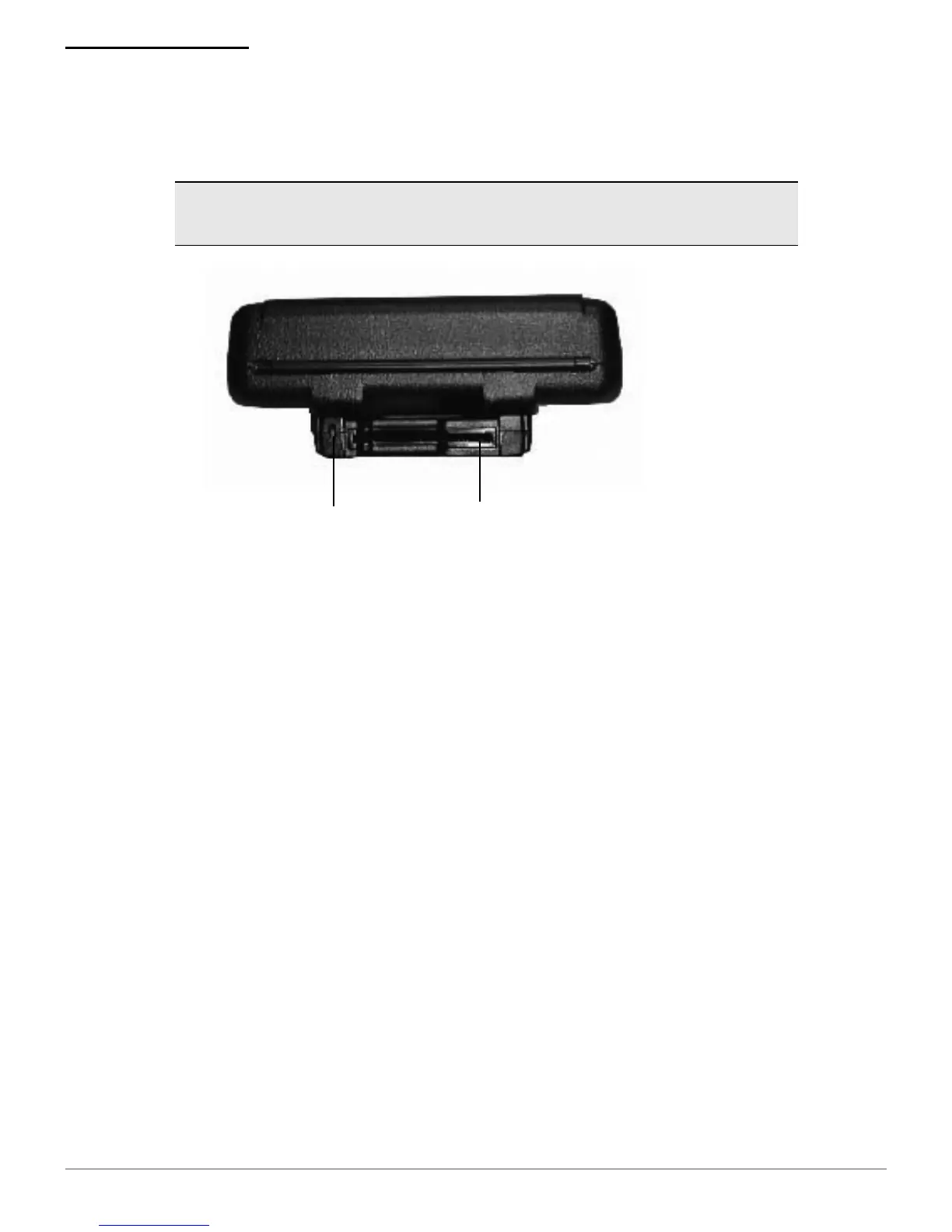
To wake up the CardReader, insert a card into the
CardReader slot. One short beep indicates the
CardReader/printer is awake.
If you are using a Smart CardReader, insert a card
with the gold contacts facing away from the printer
and leave the card in CardReader slot.
If you are using a Magnetic CardReader, insert a
card with the stripe facing toward the printer, then
slowly remove the card from the CardReader slot.
For information on CardReader LED indicators and
audio indicators, see
Using Buttons, LEDs, and
Audio Indicators on page 9
.
Note:
T
he following information applies to printers
installed with the CardReader option.
CardReader
LED
CardReader
Slot
Figure 11


 To Next Page