Pairing:
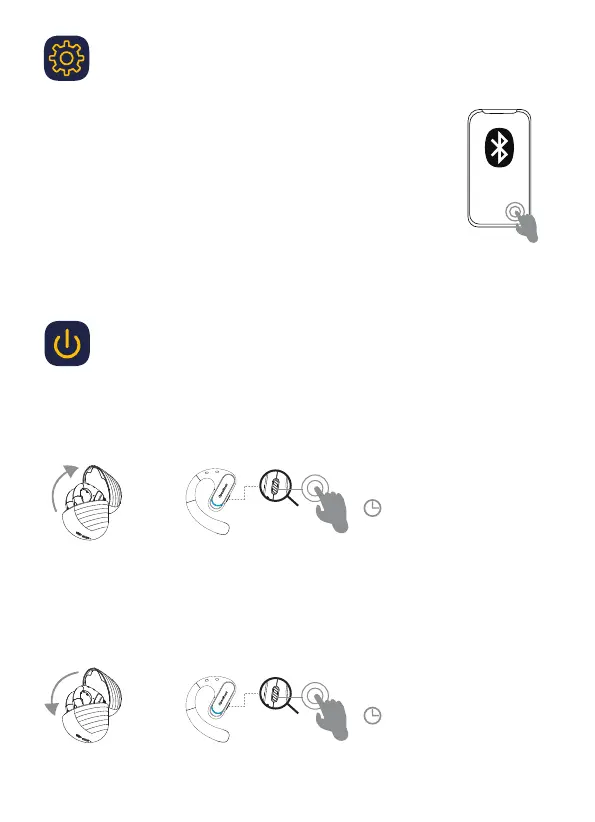
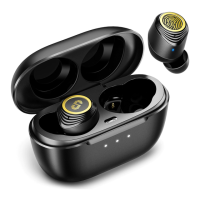
1. Put the earphones into the charging case and close the lid
2. Wait 10 seconds after opening the charging case lid, the earphones
automatically turn on
3. Choose OpenRock Pro from the Bluetooth list on the device to be paired
4. Blue light will stay on for 1s after successful pairing
5. Take out the earphones to use
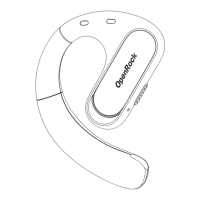
OpenRock Pro
2
First use
Turn on/off
Turn On
The earphones will be powered on automatically when the lid is opened, or press and hold the
function key for 3s when the earphones are turned off.
Turn Off
The earphones will be powered off automatically when the lid is closed, or press and hold the
key for 5s when the earphones are turned on.
3″
5″
or
or


 To Next Page