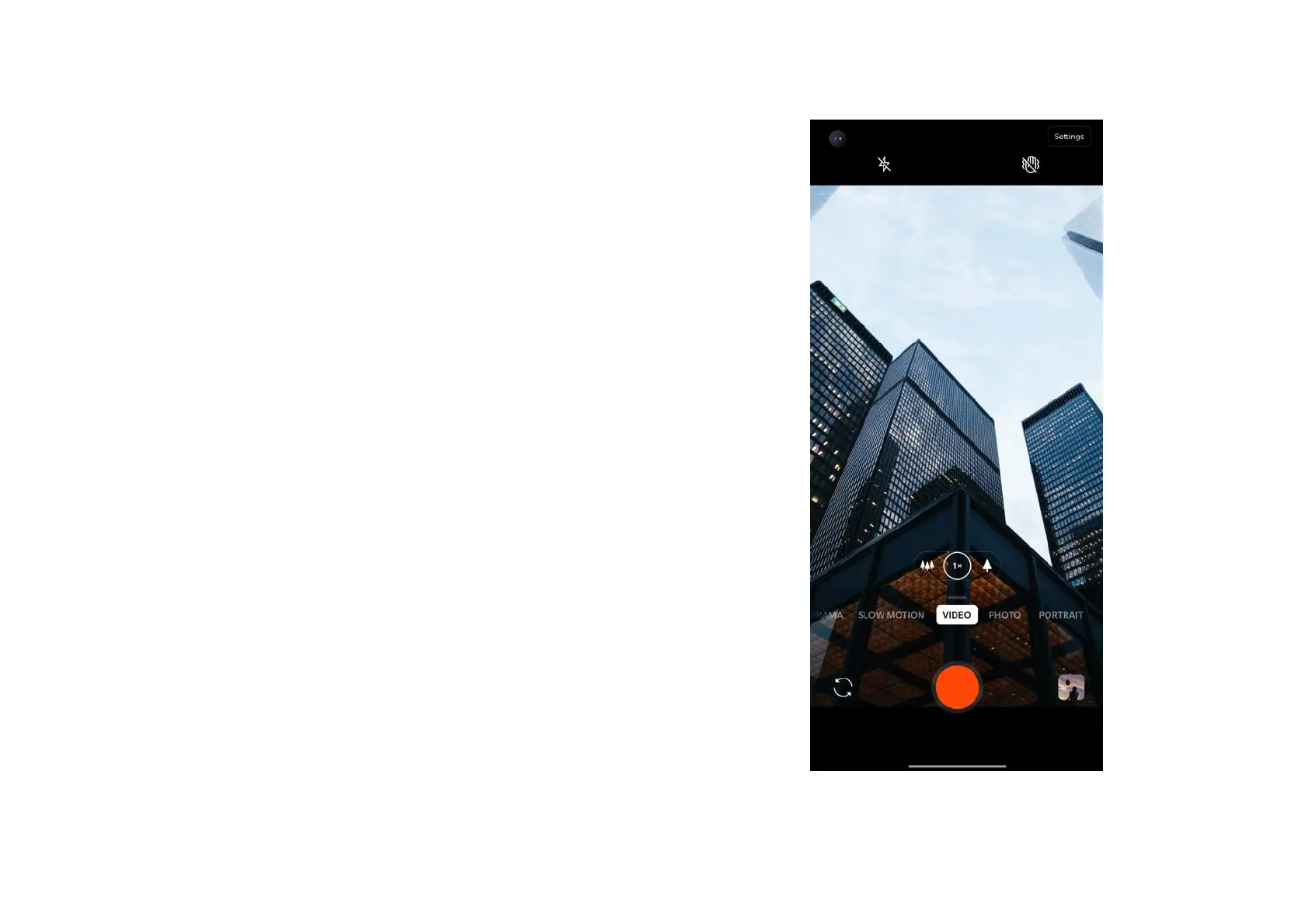
3. Switch camera: Tap to switch the front/rear
camera.
4. Video: Tap to start/end video.
5. Gallery: Tap to view the latest photo in
Gallery.
6. Super steady : With OnePlus 8 5G UW’s
advanced image stabilization system, you
can record clearer, smoother handheld
videos without having to lug around extra
equipment.



 To Next Page