3. Remapping the keys
Please visit caniusevia.com to use the latest VIA rmware to remap the keys (If you are
using macOS, please use Google Chrome to visit the link). If the VIA rmware does not
recognize your keyboard, please contact the Customer Support to resolve the issue.
(Note: VIA only works when the keyboard is connected to your computer by cable).
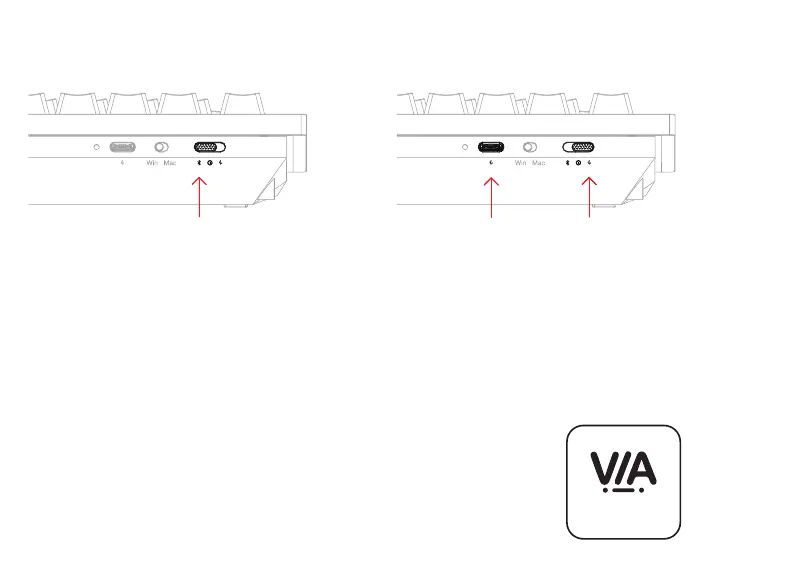
1. Connect Bluetooth 2. Connect Cable
07
Your keyboard’s best friend
Switch toggle to Bluetooth;
Press fn + 1 (hold for 4 seconds) and pair with the
device named ‘Keyboard 81 Pro’.
Switch toggle to Cable;
Use the included cable to connect the keyboard to your
computer.



 To Next Page