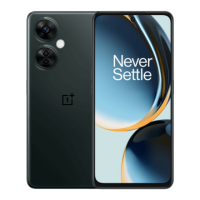
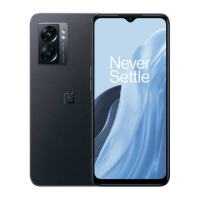
Long press a blank space on the home screen and select
WALLPAPERS to set your home screen wallpaper and lock screen
wallpaper.
Widgets
Add widgets: Long press on a blank space from the home screen
and select Widgets,then press a widget and drag it to the home
screen.
Home Settings
Long press the blank space on the home screen and select HOME
SETTINGS.
Add icon to Home screen: When enabled, it will display an icon on
the home screen after installing a new app.
Swipe down to access: Swipe down from home screen to access
Notifications & Quick settings or shelf.
Google: Swipe right from the home screen to show the Google search
bar and Discover.
Downloaded from ManualsNet.com search engine


 To Next Page