Message
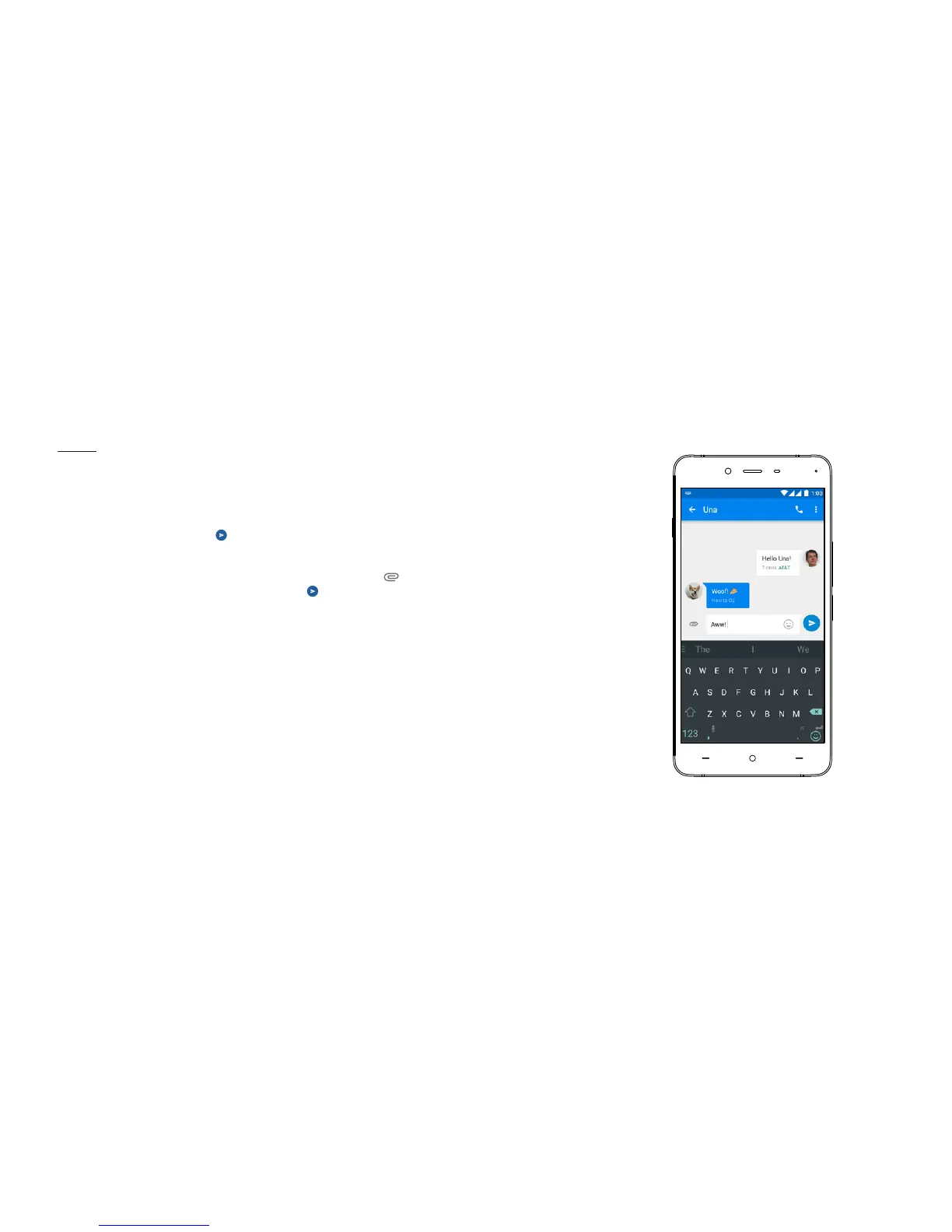
To send an SMS, launch the Messenger application on your
home screen or application drawer. Enter the name or phone
number in the eld or select someone from your contacts.
Type your message, then tap
For an MMS, in the Messenger application, select the media
you want to add. Type your message, then tap
OxygenOS



 To Next Page