4User ManUal v1.6
STEP 2: Troubleshoot the interrupter
The interrupter is powered over USB and can be controlled using our 1T Panel software
available for download at onetesla.com/downloads. You will need a mini USB cable to
connect to the interrupter. It behaves like a MIDI device and can also be controlled via
other MIDI software. See Appendix A for a description of 1T Panel.
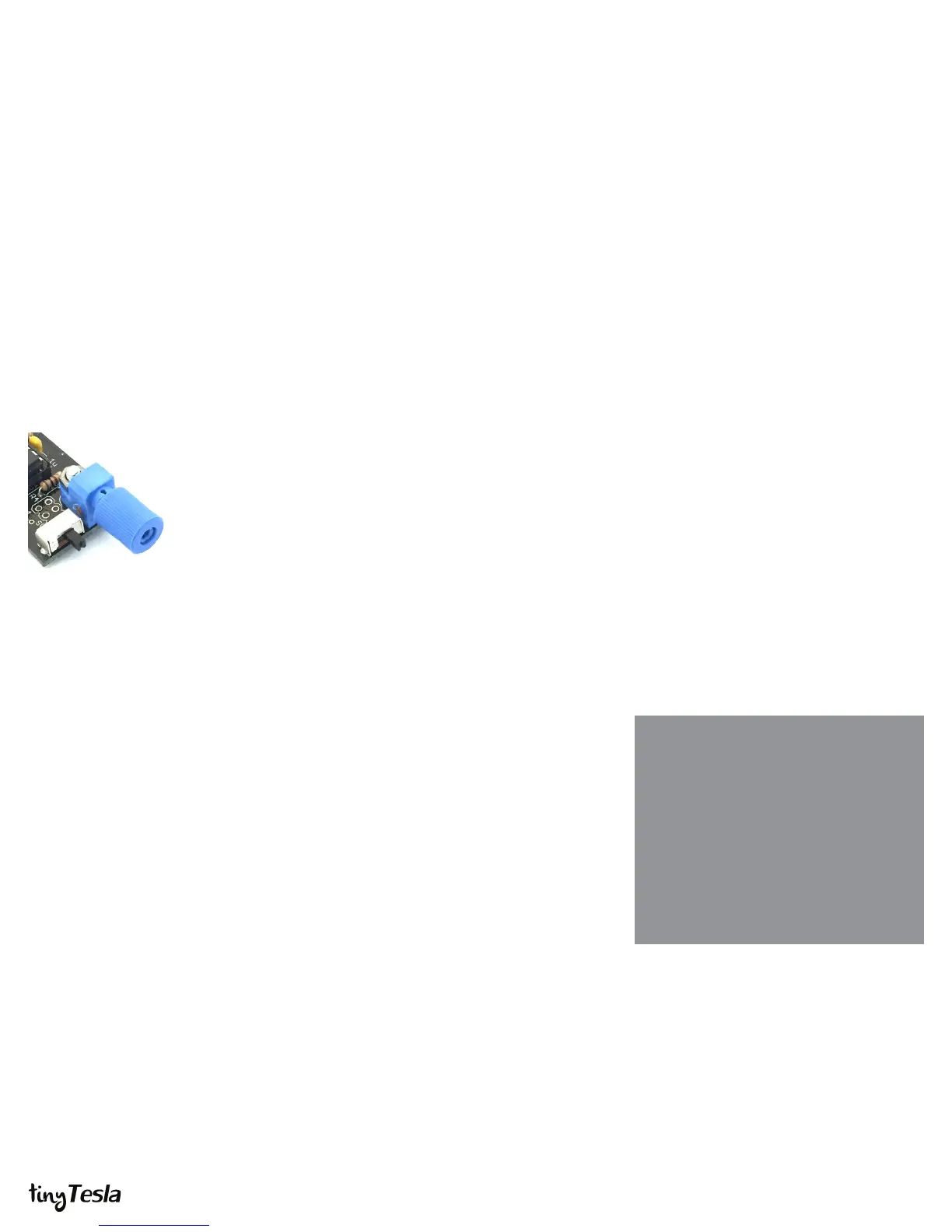
The interrupter has two modes: Live mode (switch to the right) and Fixed mode (switch
to the left). Note: every time you want to switch modes, you need to power cycle (unplug
and plug back in) the interrupter.
Place the switch in the Live mode position (right-hand side). This places the interrupter
into MIDI mode. Using a mini USB cable, connect the interrupter to a computer. Conrm
that the USB device is recognized and does not throw an error. Use 1T Panel to raise and
lower the power and conrm that the LED in the ber optic transmitter raises and lowers
in brightness accordingly.
Need help?
If you encounter a problem that isn’t covered
here, take a look at our online help forum at
onetesla.com/forum. Someone else may
have had the same problem and gured out
a solution.
Please post on the forum rather than emailing
us for support, so that everyone can learn from
how you resolved your problem!
If it doesn’t work
USB device is not
recognized or
drops out...
Interrupter doesn’t
respond to
software...
n Conrm the ATtiny is installed in the correct orientation.
n Check all parts carefully for correct values and orientations.
n Check your soldering for bridges and/or cold joints.
n Unplug all other USB devices.
n If the interrupter drops out when you handle the USB cable,
check your soldering of the USB connector.
n Try a dierent computer to compare results.
n (early kits) Replace your 3.3V Zener diodes with 3.6V Zener
diodes. If using a USB 3.0 port, you can omit the Zeners
altogether.
n Ensure that the software you’re using is transmitting on MIDI
channel 0.
n Ensure that the software you’re using is outputting to the
appropriate USB port.
The interrupter set to
Live mode. Flip the
switch to the left for
Fixed mode.



 To Next Page
 Loading...