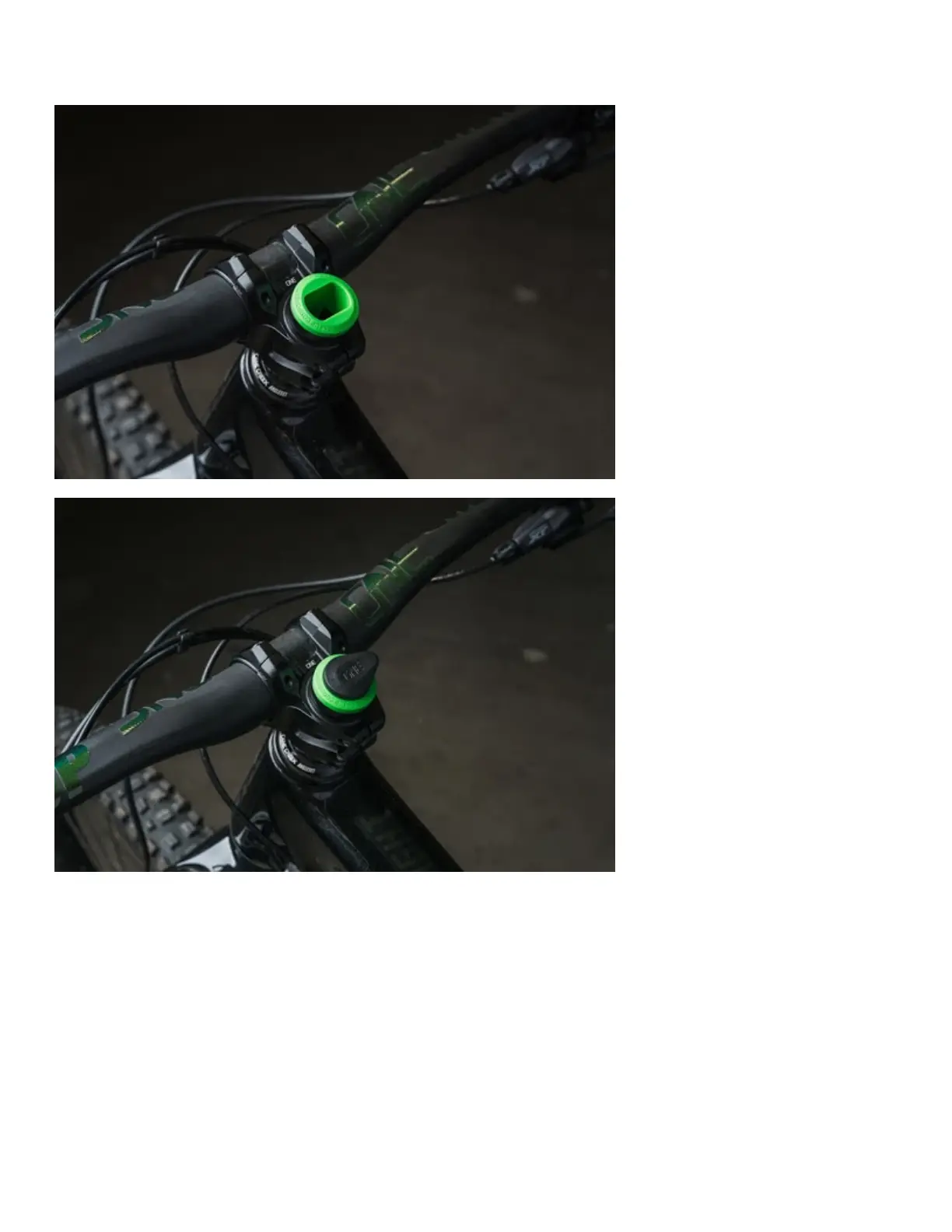
The tool slot is the rectangular hole in the EDC Lite Carrier which the EDC Multi-Tool fits into. The OneUp
logo on the Tool Clip is horizontal when the teardrop is pointing to the driveside.
STEP 7: INSTALL THE EDC LITE BOLT & TIGHTEN USING A LONG HANDLE 4mm HEX (max
2Nm)
If your headset is already installed and tight you do not need to adjust it.
If/when you need to tighten your headset use the same process as you would for a regular star nut installation.
Loosen your stem steerer tube bolts then tighten the EDC Lite Bolt until you have the correct headset preload.
Then retighten your stem steerer tube bolts.



 To Next Page