Need help?
Do you have a question about the ONFORU SPEAKER06 and is the answer not in the manual?
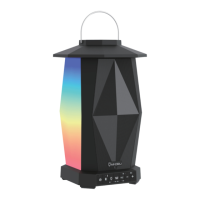
Details the function and operation of buttons, ports, and indicator lights on the speaker.
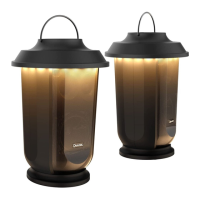
Explains how to connect two speakers together for TWS functionality.
Details the process for disconnecting an established TWS connection.
Troubleshooting steps for failed Bluetooth connection attempts.
Resolving issues with low volume or distorted audio playback.
Steps to fix music playback that is not continuous.
Guidance when the Bluetooth status indicator light does not illuminate.
 General
| Bluetooth Version | 5.0 |
|---|---|
| Connectivity Technology | Bluetooth |
| Special Feature | Portable |
| Input Voltage | 5V |
| Charging Time | 3 hours |

 To Next Page