SOLUTIONS TO COMMON PROBLEMS / LÖSUNGEN FÜR HÄUFIGE PROBLEME /
SOLUTIONS AUX PROBLÈMES COURANTS / SOLUCIONES A PROBLEMAS
FRECUENTES / SOLUZIONI COMUNI
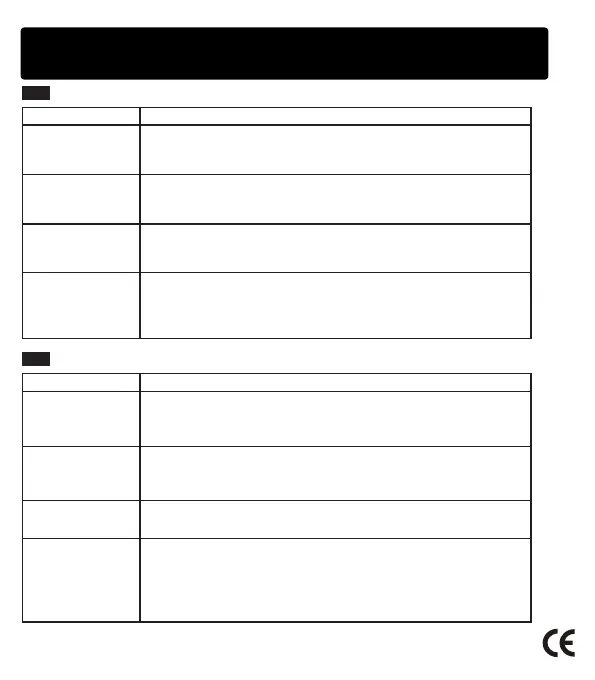
EN
Problemas Solutions
Multiple attempts to
connect but failed
1. Check if the product is in search status, or restartit.
2. There are too many peripheral Bluetooth devices, making searching
difficult, you should turn off other Bluetooth devices.
The sound is low or
distorted
1. Check the volume of the Bluetooth device and adjust its volume to
a suitable position.
2. Please charge the speaker if the battery voltage is low.
The sound is not
continuous
Check whether the distance between the speaker and the Bluetooth
device exceeds the effective audio connection distance, or there is
an obstacle between them.
Bluetooth status
indicator does not
light
1. The battery is low, please try again after the speaker is fully charged.
2. There are too many peripheral Bluetooth devices, making searching
difficult, you should turn off other Bluetooth devices.
3. Check if the product is in search status, or restart it.
DE
Probleme Lösungen
Nach der
Mehrfachverbindung
ist aber das Pairing
erfolglos.
1. Überprüfen Sie, ob sich das Produkt im Suchstatus befindet, oder
schalten Sie das wieder ein.
2. Überprüfen Sie, ob es zu viele Bluetooth-Geräte herum gibt, was
die Suche erschweren. Schalten Sie andere Bluetooth-Geräte aus.
Der Ton ist leise
oder verzerrt.
1. Überprüfen Sie, ob die Lautstärke des Bluetooth-Geräts leiser ist.
Stellen Sie die Lautstärke lauter ein.
2. Überprüfen Sie, ob die Batterie leer ist. Laden Sie den Lautsprecher
auf.
Musik bricht.
Überprüfen Sie, ob es außer Bluetooth-Reichweite ist oder es die
Hindernisse zwischen Bluetooth-Gerät undLautsprecher gibt.
Die Bluetooth-
Statusanzeige
leuchtet nicht.
1. Überprüfen Sie, ob der Akku fast leer ist. Verbinden Sie das wieder,
nachdem der Akku voll ist.
2. Überprüfen Sie, ob es zu viele Bluetooth-Geräte herum gibt, was
die Suche erschweren. Schalten Sie andere Bluetooth-Geräte aus.
3. Überprüfen Sie, ob sich das Produkt im Suchstatus befindet, oder
schalten Sie das wieder ein.


 To Next Page
 Loading...