13
Playing the Music on Your PC Through the ND-S1
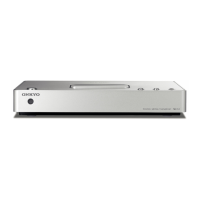
By connecting the ND-S1 to a USB port on your
PC, you can play the music stored on your PC
through your Onkyo audio system.
1. Using the included USB cable, connect the
ND-S1’s USB port to a USB port on your PC.
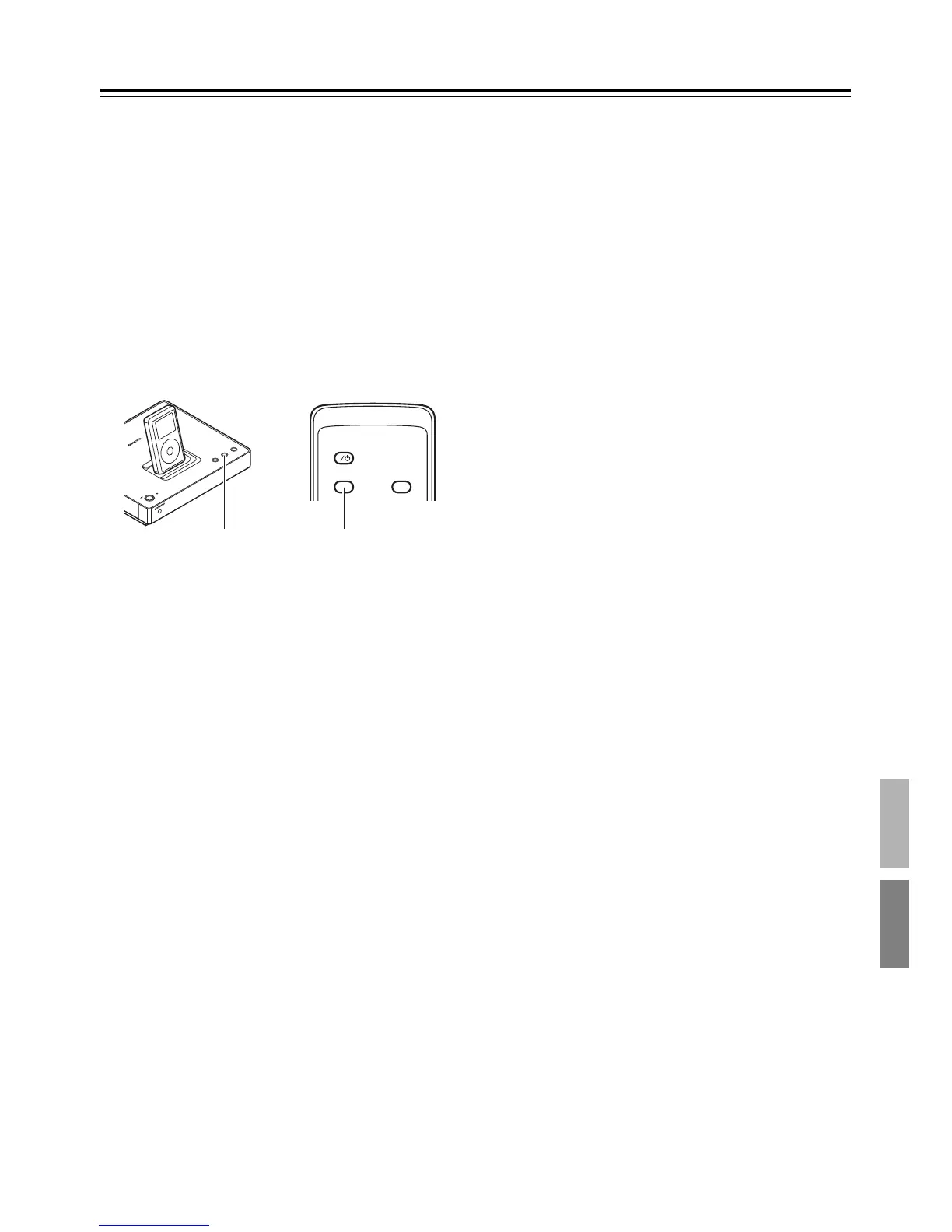
2. Press the ND-S1’s [PC] button, or the
[iPod/PC] button on the included remote
controller to select PC.
The [PC] indicator lights up green.
3. Start music playback on your PC.
Use your amp or AV receiver’s volume con-
trol to adjust the playback volume.
Note:
• If the ND-S1 is not recognized as a USB audio
device even after restarting your PC, in the
Control Panel, open “Sounds & Audio
Devices” and select “USB Audio DAC” as the
default sound playback device. For more
information, see the “Sound Troubleshooter”
in Windows Help.
ON/STANDB
Y
STANDBY
iPod
PC
SYNC/
UNSYNC
iPod TRANSPORT
ON/
STANDBY
SYNC/
UNSYNC
iPod/PC

 To Next Page
 Loading...