January 16, 2020_V1 January 16, 2020_V1
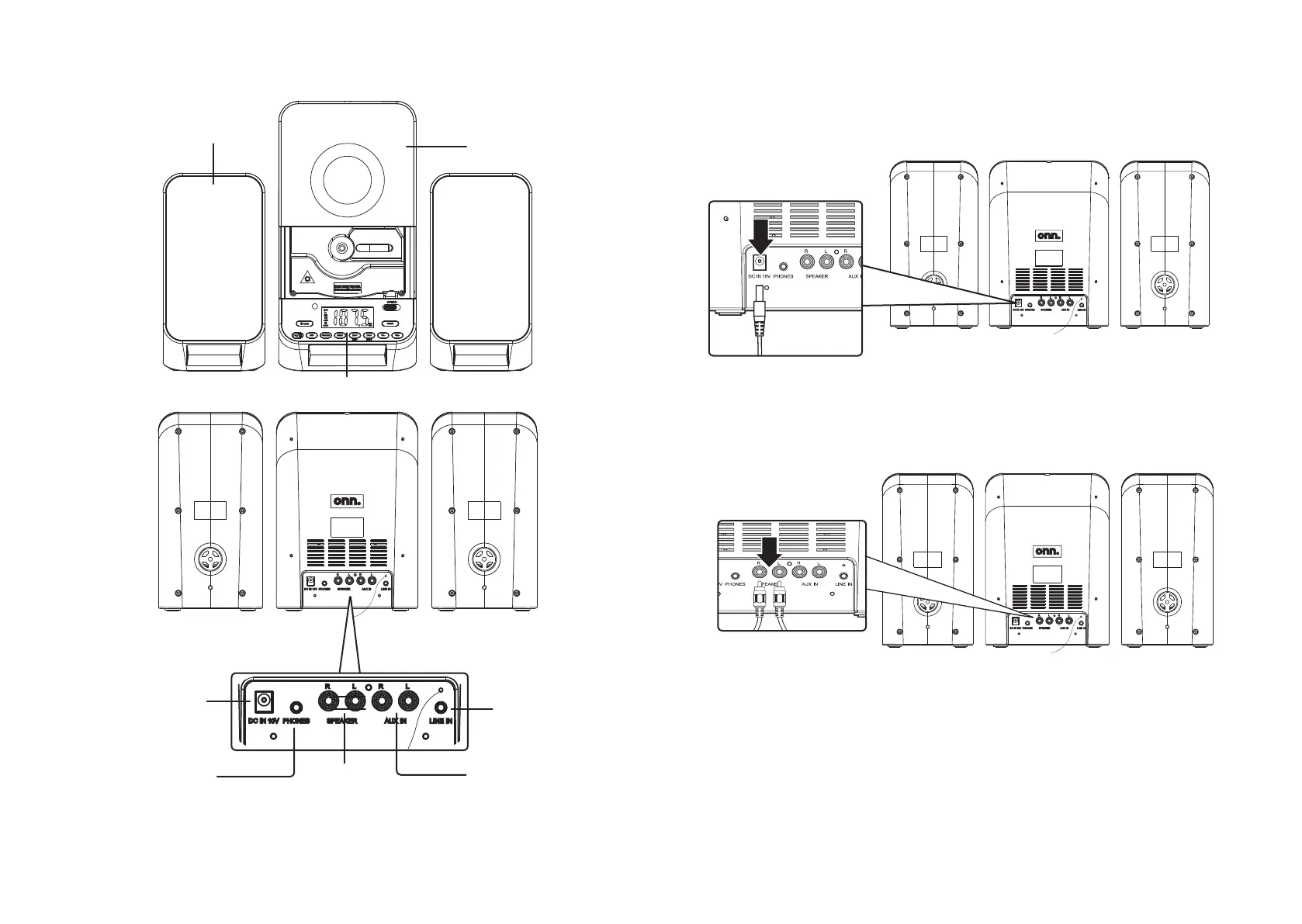
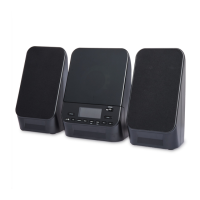
Overview
CD Door
Speakers
Display and Controls
Speaker Outputs
DC Power Input
Line In
Display and Controls
Headphone Jack
1
5
Setup
Power
Plug the DC power adapter into a standard wall
outlet and the DC Power Input on the unit.
Connecting the Speakers
Connect the included speakers to the Speaker Outputs on the back
of the unit. The Right speaker should connect to the Right output. The
Left speaker should connect to the Left output.


 To Next Page