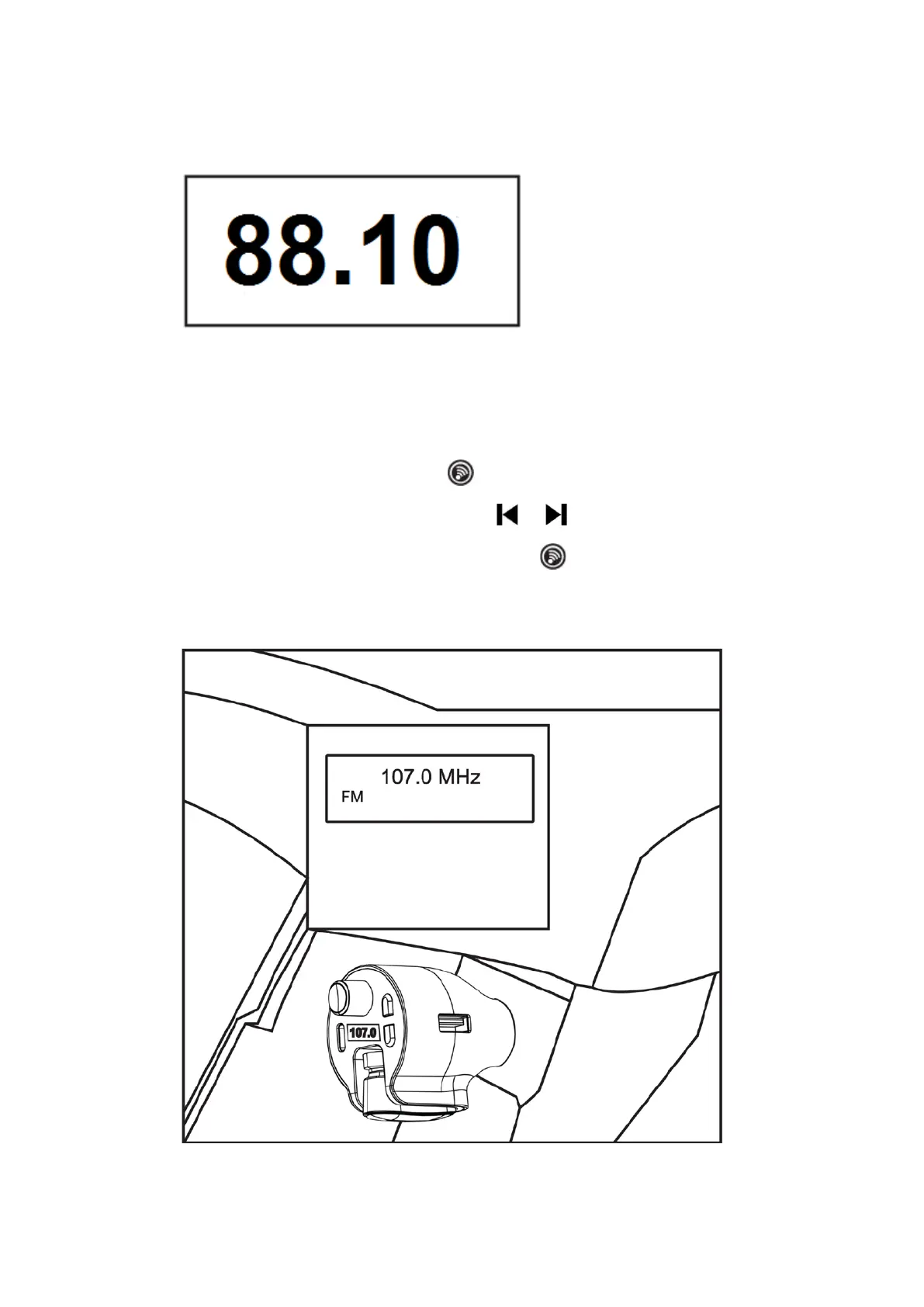
3. Then a default FM Channel will appear on the unit as illustrated below (For
example: 88.1MHz)..
4. The Headset on the Unit will start to charging and the Red Indicator on it will
illuminate (When charging is complete, the Red Indicator will turn off).
5. Turn on your Car Radio and enter the radio FM mode as usual. Search for a
blank FM channel without any radio signal received (For example: 107.0 MHz).
6. Press and hold the Volume Control/ Knob on the unit until the LED Display
on the unit start to blink. Then, press the / Button on the unit
repeatedly (or turn around the Volume Control/ Knob on the unit) until the
same channel frequency appear on the LED Display as illustrated below (For
example: 107.0 MHz):
4 December 31, 2019_V1


 To Next Page