EasyManua.ls Logo

Onn TM-MC3888U - User Manual

Onn TM-MC3888U
14 pages
Print Icon
To Next Page IconTo Next Page
Loading...
TM/MC
TM-MC3888U
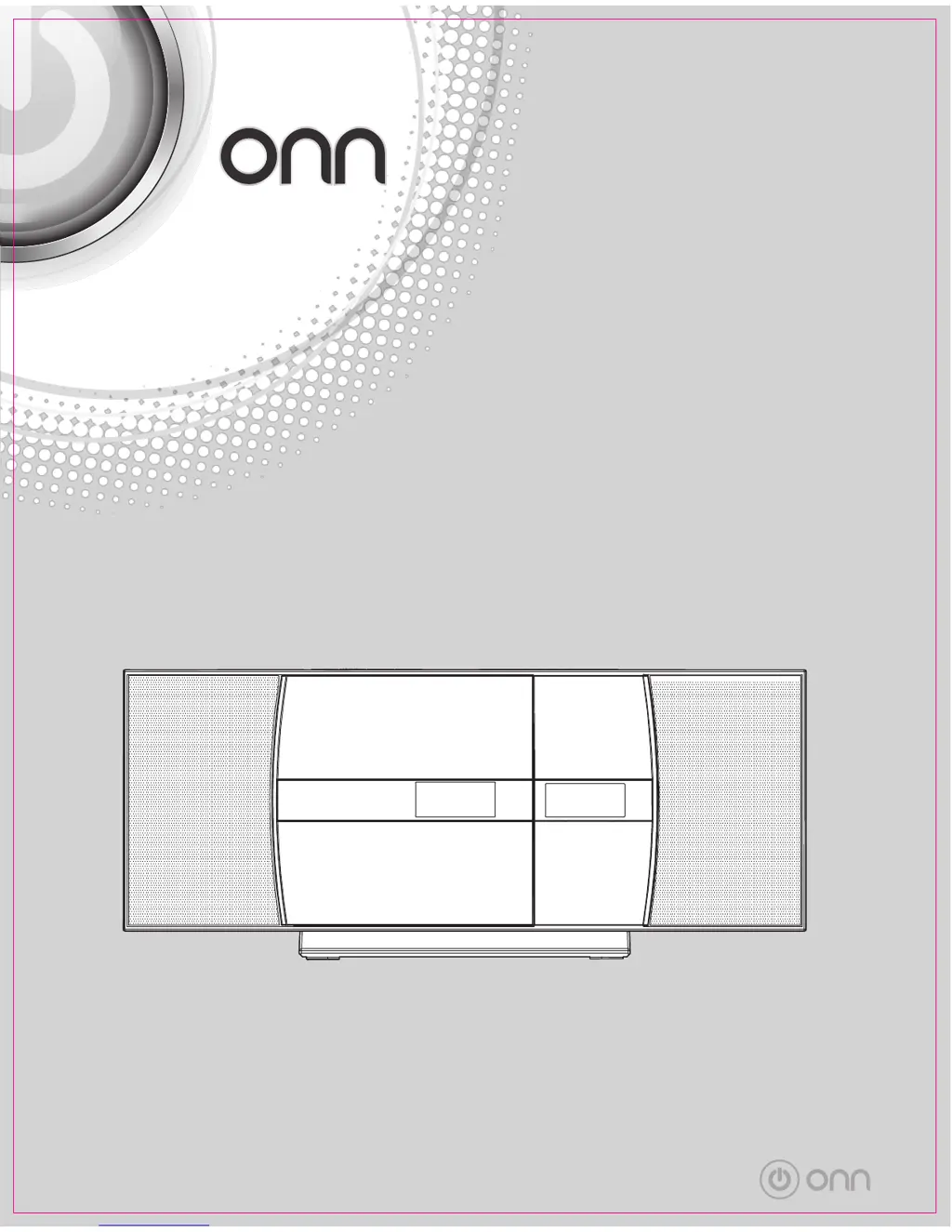
OWNER’S MANUAL
MANUEL DU PROPRIÉTAIRE
Flat Micro System
with CD Player
Micro-système plat
avec lecteur CD
TM/MC

Questions and Answers

  • L
    Leah RoseAug 14, 2025
    Why is there no sound coming from my Onn TM-MC3888U?
    • N
      Nancy GuerreroAug 14, 2025
      If you cannot hear any sound from your Onn CD Player, here are a few things to check: * Ensure the volume isn't set to the minimum. Try increasing the volume level. * If headphones are connected, disconnect them. * If using Bluetooth, make sure the unit is close to the Bluetooth audio source and properly paired.
  • A
    adambutlerAug 18, 2025
    Why is my Bluetooth sound interrupted or distorted on my Onn TM-MC3888U CD Player?
    • J
      Jamie BaldwinAug 18, 2025
      If you are experiencing interrupted or distorted Bluetooth sound on your Onn CD Player, the issue might be due to interference. Try moving the unit away from devices that generate electromagnetic radiation. Also, make sure there are no obstacles between the unit and the Bluetooth stereo audio source device.
  • M
    Michelle BauerAug 21, 2025
    What to do if the Onn TM-MC3888U skips or stops playing in the middle of a track?
    • H
      halljohnAug 21, 2025
      If your Onn CD Player skips or stops during playback, the following could be the reasons: * The unit might be near excessive vibrations; move it away from such sources. * The disc could be dirty; clean it carefully. * Condensation might have formed inside the unit; allow it to dry.
  • B
    Beth PowellAug 25, 2025
    What to do if disc playback does not start on Onn CD Player?
    • Z
      Zachary TaylorAug 25, 2025
      If disc playback doesn't start, or stops unexpectedly on your Onn CD Player, make sure the disc is loaded face down, meets the required standards, and isn't distorted or scratched.
  • B
    Brian RomanAug 28, 2025
    How to fix unusual noises continuously coming from my Onn TM-MC3888U CD Player radio?
    • S
      Samantha CraigAug 28, 2025
      If your Onn CD Player radio is making unusual noises, it might be interference from nearby devices. If the unit is placed near a TV or computer, move the aerial away from the AC power lead if it is located nearby.
  • R
    Rick ThompsonAug 31, 2025
    What to do if my Onn TM-MC3888U CD Player remote control does not operate?
    • P
      Preston ReidAug 31, 2025
      If the remote control for your Onn CD Player isn't working, try the following: * Make sure the AC power lead is plugged in. * Check that the battery polarity is correct. * Replace the battery if it's dead. * Adjust the distance or angle to the unit. * Ensure the remote control sensor isn't exposed to strong light.
  • T
    tommylambertSep 3, 2025
    Why won't my Onn TM-MC3888U detect my USB device?
    • M
      Michael GomezSep 3, 2025
      If your Onn CD Player isn't detecting your USB device, check these things: * Make sure the USB device contains MP3 or WMA files. * Verify the device is properly connected. * Confirm if the device is an MTP device. * Check if the device contains only AAC files.
  • J
    josephjohnsonSep 7, 2025
    Why won't my Onn TM-MC3888U CD Player start USB playback?
    • V
      vernon91Sep 7, 2025
      If USB playback won't start on your Onn CD Player, it could be due to the file type. Check if the file is a copyright-protected WMA file or a false MP3 file.
  • M
    Makayla SextonSep 10, 2025
    What to do if my Onn CD Player does not respond when a button is pressed?
    • A
      Andrea JenkinsSep 12, 2025
      To address a non-responsive button on your Onn CD Player, set the unit to the power stand-by mode and then turn it back on.

Onn TM-MC3888U Specifications

General IconGeneral
BrandOnn
ModelTM-MC3888U
CategoryCD Player
LanguageEnglish