7
!
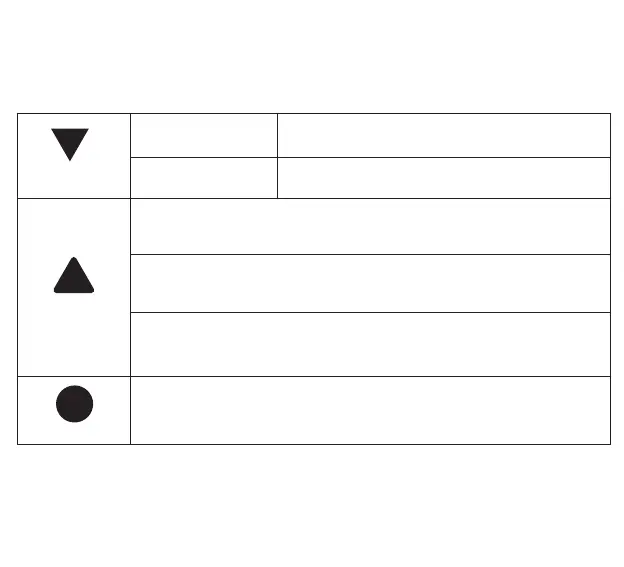
Down
Playback mode
Press the button to select down
Taking Picture
Short press during recording
Emergency
Short press Emergency button for lock current video
during recording.
Short press Emergency button for record 20 seconds of
video and lock video during video mode.
Long press Emergency button to open wifi , and long press
to close wifi.
Reset
Press the reset button to restart the machine in any state.


 To Next Page