EasyManua.ls Logo

Onwa KV-290 - User Manual

Onwa KV-290
39 pages
Print Icon
To Next Page IconTo Next Page
Loading...
CH/WX
16
MENU
SCAN
CLR
ENT
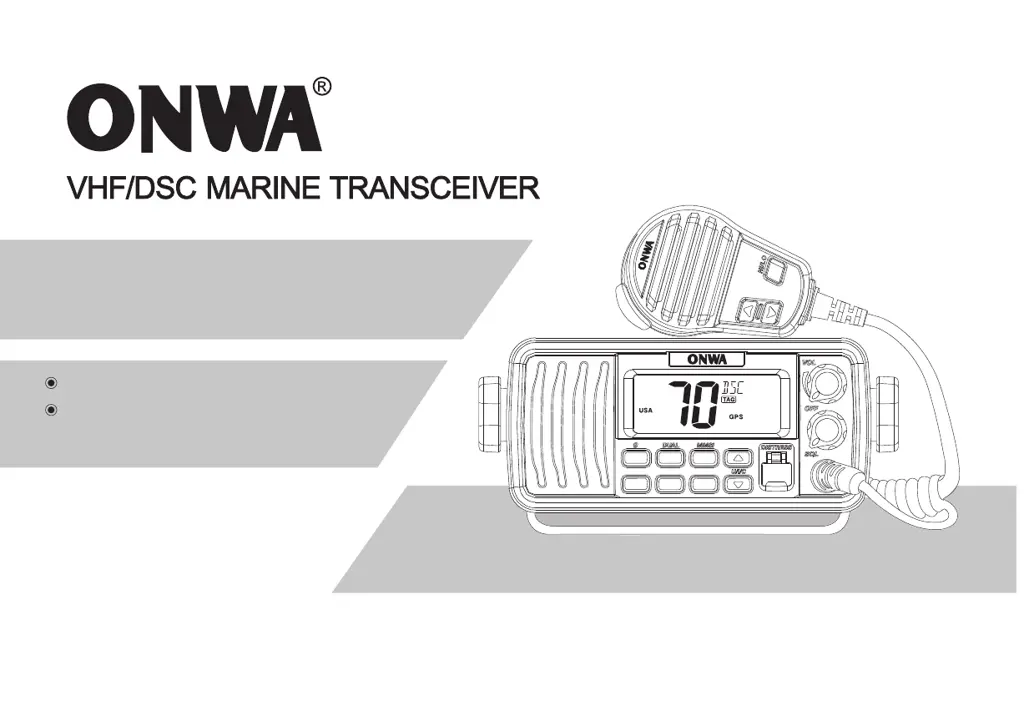
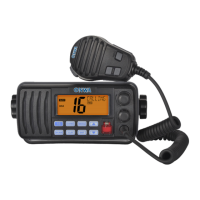
INSTRUCTION MANUAL
Independent DSC Dedicated Receiver
IPX7 Waterproof Construction
(1m Depth of Water for 30 Minutes)
KV-290

Questions and Answers

  • T
    Timothy MoonAug 15, 2025
    Why Onwa KV-290 Transceiver does not turn ON?
    • M
      michelleduncanAug 15, 2025
      Your Onwa Transceiver might not be turning on due to several reasons: * The power cable may not be correctly connected. Ensure the red (+) and black (-) cables are properly connected. * The power cable fuse could be broken. Find the cause of the blown fuse and replace it with a new 15A fuse. * The operating voltage might be outside the acceptable range (more than 17V or less than 9V). Adjust the power supply to 13.8V.
  • K
    Karen Mcdowell DVMAug 18, 2025
    What to do if there is no sound from the Onwa Transceiver speaker?
    • J
      James TorresAug 18, 2025
      If you're not getting any sound from your Onwa Transceiver speaker, consider the following: 1. The squelch level might be too high. Try rotating the [SQL] knob to adjust the squelch level. 2. The volume could be too low. Rotate the [VOL] knob to increase the volume. 3. Water penetration in the speaker grill might be the issue. Activate the Vibration function to help drain the water.
  • K
    Kelly TaylorAug 21, 2025
    Why Onwa KV-290 Transceiver unable to connect with GPS?
    • P
      popecarmenAug 21, 2025
      If your Onwa Transceiver is unable to connect with GPS, check the following: * Ensure the GPS connection is correct. * Verify that the external GPS format is NMEA 0183-2.0 or 3.01.
  • B
    Brian TannerAug 26, 2025
    Why distress call cannot be transmitted on Onwa KV-290?
    • L
      lisa63Aug 26, 2025
      A distress call might fail to transmit on your Onwa Transceiver if the MMSI (DSC self ID) code is not programmed. To program it, press and hold [MENU] while powering on the device to enter MMSI set mode.
  • J
    Jared PerezAug 28, 2025
    Why I can't select high power on Onwa KV-290?
    • H
      Hunter GarciaAug 28, 2025
      If you can't select high power on your Onwa Transceiver, it might be because some channels are restricted to low power transmission only. Try selecting a different channel.
  • S
    snyderkathyAug 31, 2025
    What to do if Onwa KV-290 Transceiver can’t communicate on same channel?
    • A
      Andrew SloanAug 31, 2025
      If your Onwa Transceiver can’t communicate on the same channel, consider these possibilities: * The channel might be duplex (DUP). Try selecting another channel. * You might be working in a self-set channel group. Ensure the channel frequency is set to the same value.
  • S
    Shelley RodgersSep 4, 2025
    Why Onwa Transceiver unable to transmit?
    • K
      Kristina BlackSep 4, 2025
      Your Onwa Transceiver may be unable to transmit if it is set to the Weather Channel or Channel 70. Exit the weather channel or channel 70.
  • K
    Kimberly WilliamsSep 7, 2025
    How to fix unable to scan on Onwa KV-290?
    • J
      Jennifer SmithSep 7, 2025
      If your Onwa Transceiver is unable to scan, make sure you have set the channel you want to scan as a TAG channel.
  • C
    christinereidSep 12, 2025
    How to turn on beep on Onwa Transceiver?
    • A
      Ashley MartinezSep 12, 2025
      If there is no beep on your Onwa Transceiver, the beep tones may be turned OFF. Turn the beep tone ON in the Set mode.

Onwa KV-290 Specifications

General IconGeneral
Output Power25W / 1W
Channel Spacing25 kHz
Power Supply13.8V DC
Sensitivity0.25 μV (12 dB SINAD)
Modulation16K0G3E
Operating Temperature-15°C to +55°C