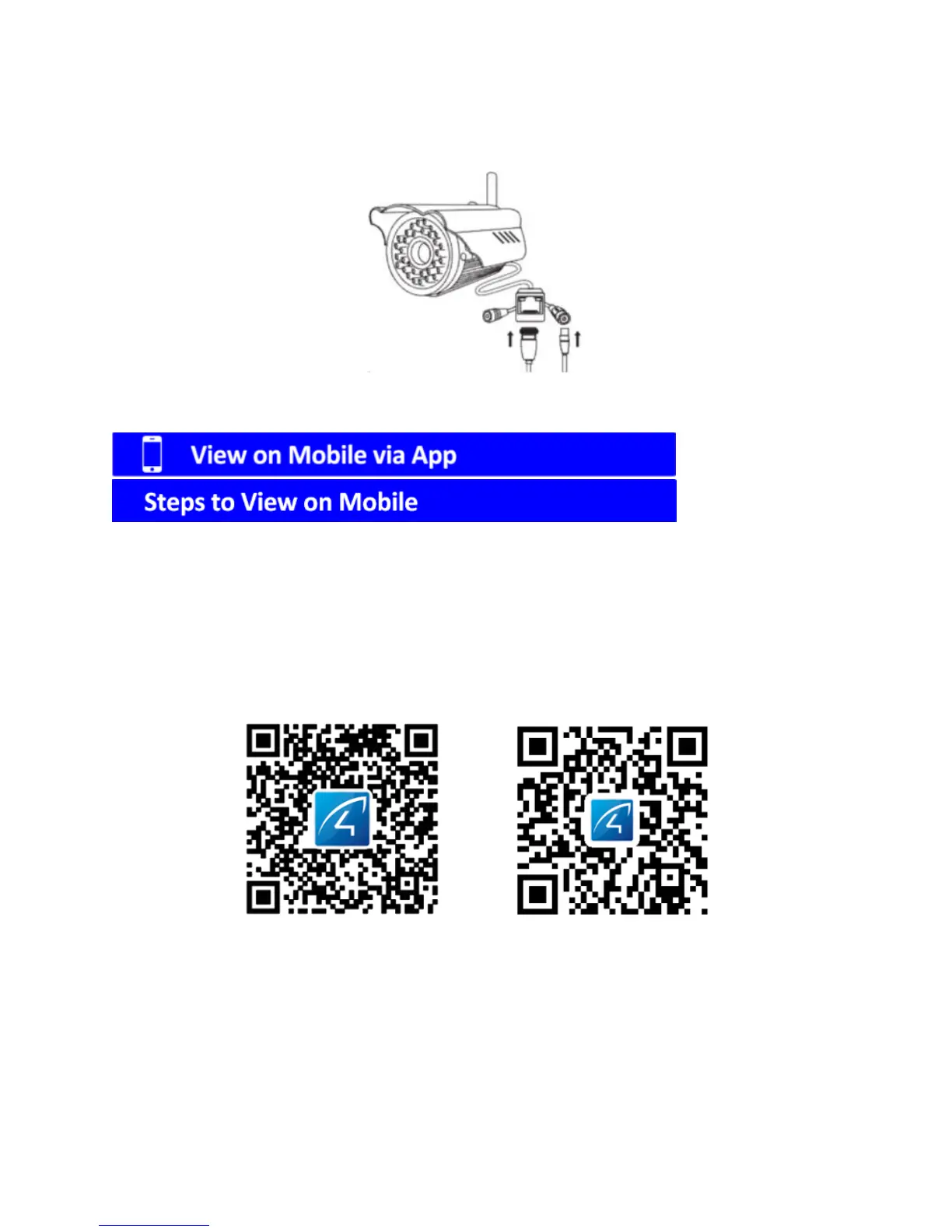
2. If there is no sticker, please power on the camera directly and using the
included 1 meter network cable to connect your camera to the WiFi Router.
1. Download App
Please make sure your smart phone has been connected to your WiFi router
first.
Option1: Scan the QR Code below to download app to view on mobile
For ios For Android
Option 2: Search “Eye4” in App Store or Android market to download.



 To Next Page