Need help?
Do you have a question about the Onyx International BOOX Nova2 and is the answer not in the manual?
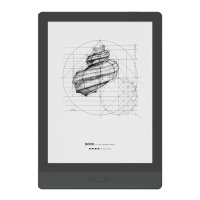
Company background and product introduction.
List of items included with the device.
Handling the fragile screen and operating conditions.
Keeping the device dry, away from liquids, and avoiding disassembly.
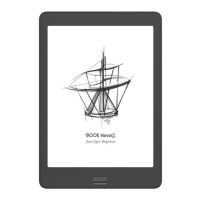
Illustrates the front, back, and bottom views of the device.
Explains operations of power, back, microphone, and USB-C port.
Device status indicators and alerts.
Control buttons and quick settings.
Stylus, frontlight, TTS, and basic reading tools.
Dynamic toolbar for quick access to reading functions.
Dictionary, vocabulary, and text manipulation.
Highlighting, underlining text, and adding notes.
Converting handwritten input into digital text.
Marking important pages and navigating through books.
Browsing, sorting, and filtering books.
Custom organization of books and viewing file details.
Securing individual files with passwords.
Tracking reading habits and progress.
Using pens, erasers, lasso, layers, and templates for notes.
Organizing recent, local notes, and syncing data.
Wireless file management and sending files from PC.
Connecting and configuring wireless networks.
Basic device configurations for usability and audio.
Customizing toolbars and managing installed applications.
File system and user accounts.
Visual adjustments, security, and firmware.
Multi-window display and capturing screen content.
Customizing idle screen visuals and calendar notes.
Enabling and using the Google Play Store for apps.
Keeping the device current and reporting issues.
Common questions and detailed hardware information.
 General
| Brand | Onyx International |
|---|---|
| Model | BOOX Nova2 |
| Category | eBook Reader |
| Language | English |

 To Next Page