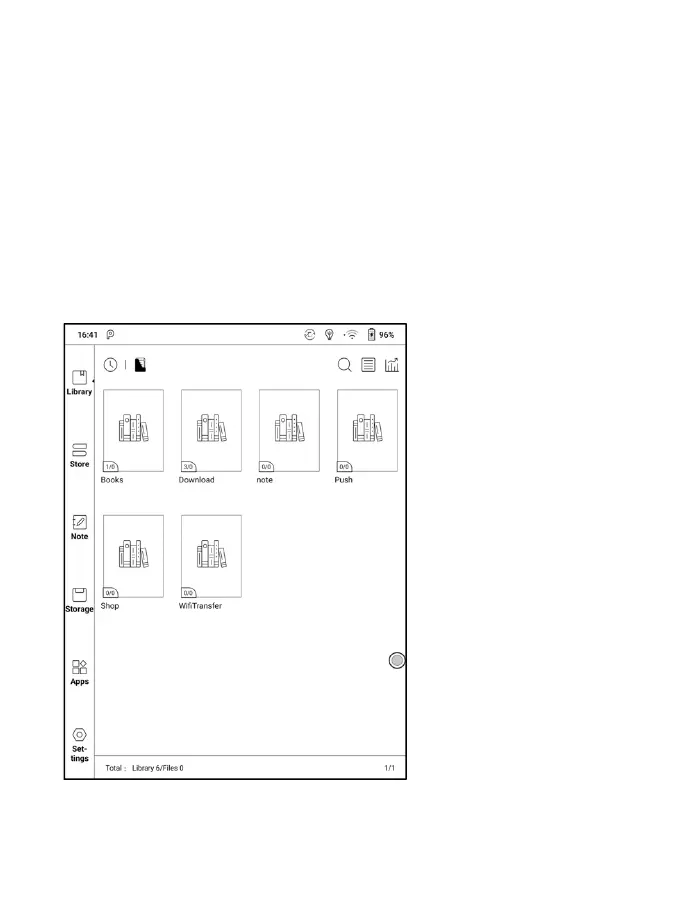
Library Display Switch
Click on these icons to switch the library display. By default, it
auto-scans and loads all the supported documents in specified paths,
sorted by a specified way.
Another one is to display the content based on the structure of storage.
The icons change after clicking on it.


 To Next Page