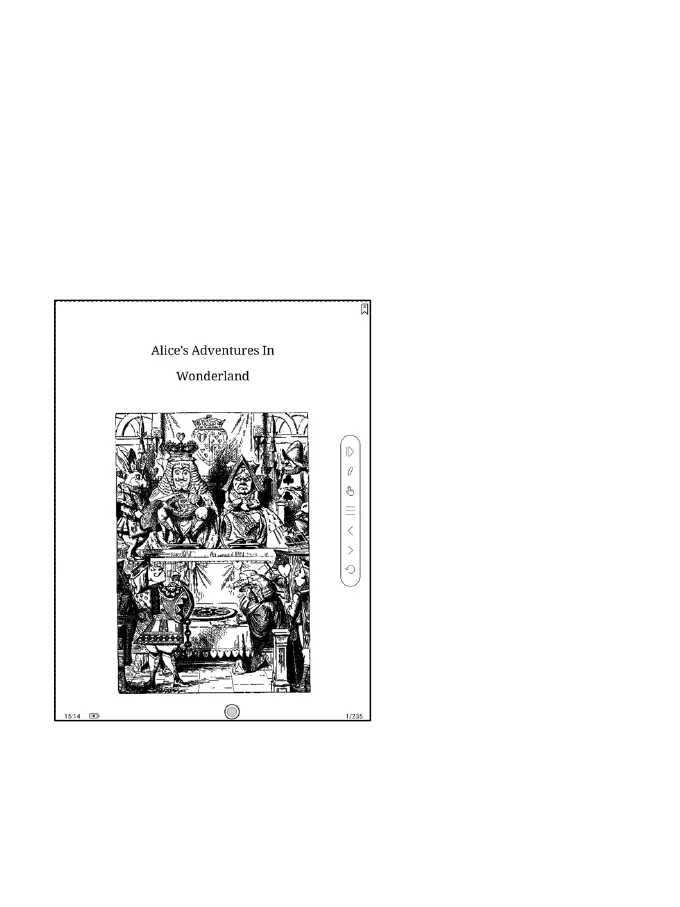
The Floating Toolbar includes: Hide, Scribble, Enable Palm Rejection,
Menu, Prev Page, Next Page, Cancel (Progress)
Long press on the Floating Toolbar, you can drag it around on the screen.
You can expand or contract the Toolbar to the edge to avoid cover any
text on the screen. When you need it, just swipe from either side of edge
to the other side to expand it.
When the page is zoomed in, the Floating Toolbar would automatically
expand proportionally in order to manage the zoomed-in page better.



 To Next Page