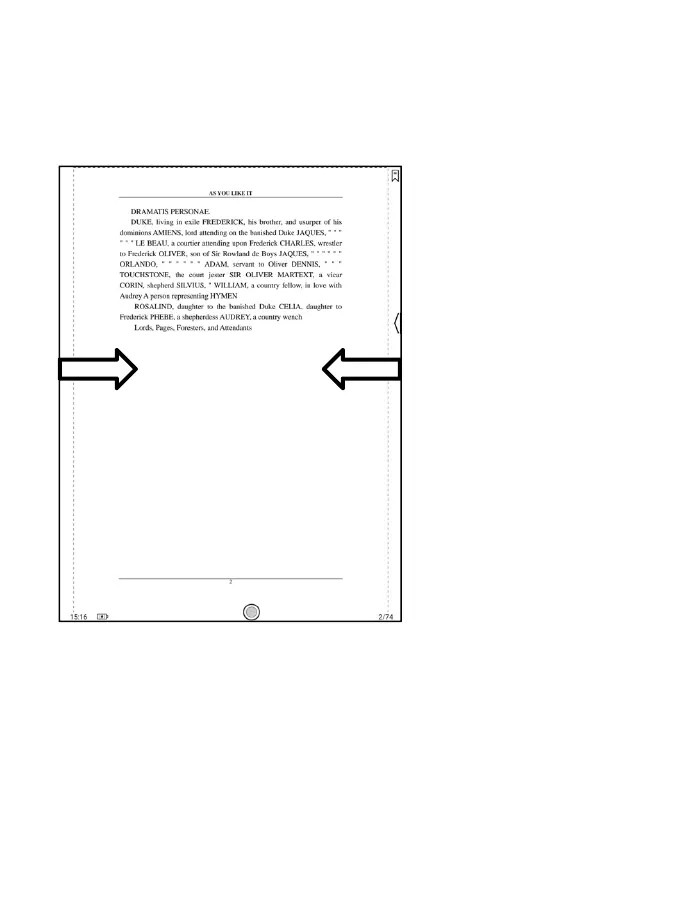
You can disable the Floating Toolbar by going to Setting - General
Setting. When it is contracted to the edge, you can swipe from either side
of edge to the center of the screen to expand it.
When palm rejection is enabled from the Floating Toolbar, it only
applies to the reading document. The Floating Toolbar still supports hand
touch, but it can remove the interference of hand when you write on the
reading document.



 To Next Page