Scribble
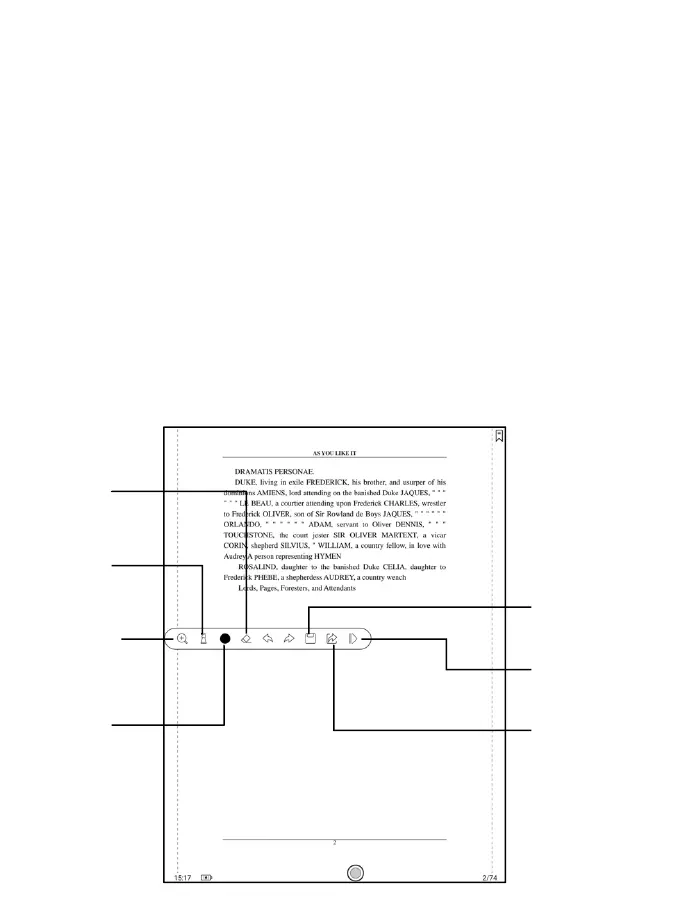
The Scribble toolbar is floating on the screen. You can long press on
it and drag it around on the screen.
Scribble is enabled by default. You can enable / disable it by tapping
the Scribble icon located on the upper part of the screen.
You need to pop up the Scribble toolbar by tapping the Scribble icon
located on the right bottom of the screen. Or you can also enable it from
the Floating Toolbar.


 To Next Page