www.boox.com
______________________________________________________________________________________________________ ___________________________________________________
Copyright © 2019 Onyx International. All rights reserved. 43 / 136
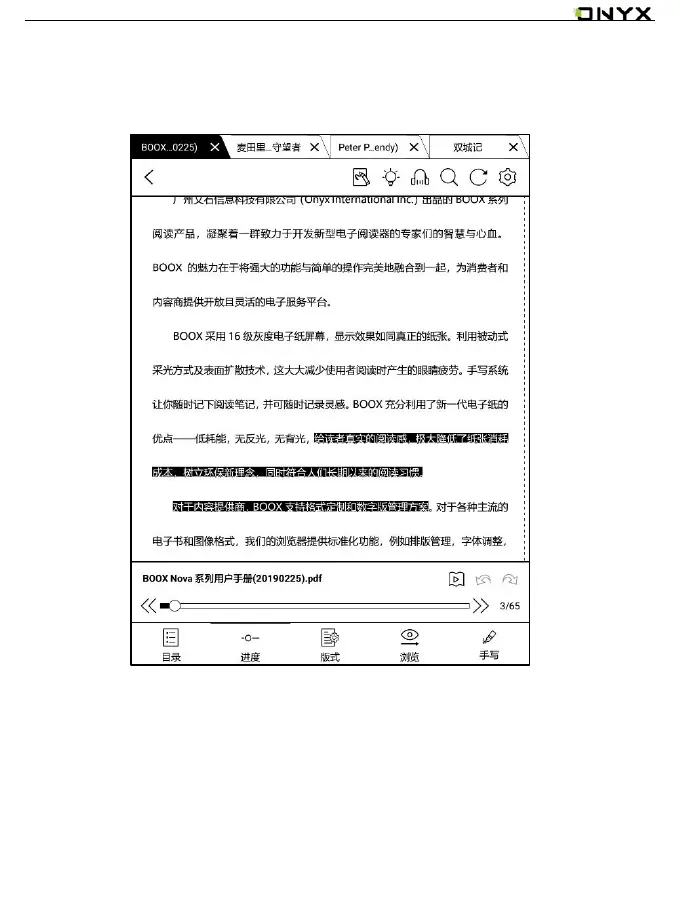
It displays the chapter name (book name if no chapter), page progress, last/next
chapter, page number, slideshow, undo, and redo.
Tap on the page number to enter a quick-flip interface. It can be flipped by every
1, 4, 9 pages.
Click the page numbers again and input number to jump to the page directly.



 To Next Page
 Loading...






