www.boox.com
______________________________________________________________________________________________________ ___________________________________________________
Copyright © 2019 Onyx International. All rights reserved. 50 / 136
Navigation
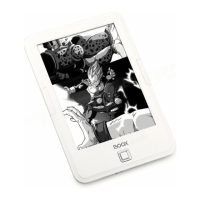
Navigation allows users to have options of Reset, Comic Mode, Article Mode,
and More Settings including Crop, Split, and Subpage Order.
Comic Mode: the screen will be divided into four subpages and the reading
order is upper right – upper left – bottom right – bottom left.



 To Next Page